Local SEO in Alabaster, AL
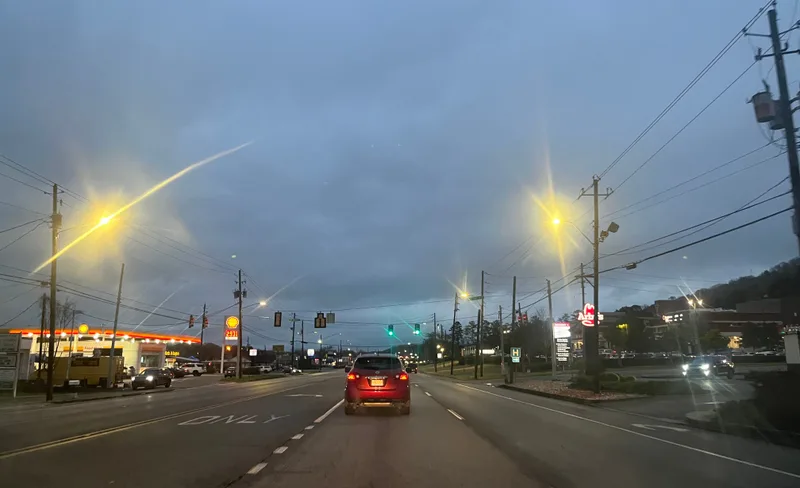
A shopper takes Exit 238, follows Google Maps to the shopping center and still has to call to find your door. Zenogram reviews your Google Business Profile, map pin and directory listings so the last part of the trip makes sense. If your team travels to customers, we check how your service area appears instead.

What customers can do from your Google Business Profile
Find the right entrance
We compare the pin and suite details with the entrance your customers actually use. For a shared parking lot, we test directions from a phone.
Explore Local SEOSee when you are open
We check customer-facing hours against the schedule your staff uses, including changes for holidays and appointments.
Explore Business Listing ServicesReach the right person
We test the listed number and website link. A call should reach the correct location and a booking link should open the appointment page you use.
Explore Lead Generation
How we work
Listen
Tell us which services you want to grow, who you serve and what is getting in the way.
Prioritize
We review what you already have and agree on which changes are worth making first.
Build and review
We build the agreed work, review it with you and check the steps customers will use.
Trace the last turn from Exit 238 to your door
The City of Alabaster lists the Promenade shopping areas just off I-65 at Exit 238. For a business there, reaching the center and finding the correct storefront are two different steps. We check the details a visitor has at each one, from the first Maps result to the sign over the door.
- Start with the name on your sign. Compare the name customers recognize with the one shown on the profile and in directories.
- Follow the directions yourself. Check the end of the route. If visitors regularly stop at the wrong building, confirm the pin position and suite number.
- Open the location link on a phone. Check that visitors can see your entrance details, current hours and a working phone link without another search.
Choose the right setup for a storefront or a traveling team
A store that welcomes walk-ins and a crew that works only at customer properties need different profile details. We start by asking where customers can actually meet you.
- For a staffed storefront, confirm the public address. Use the address where customers are received and give staff one place to record changes to the listing.
- For a business that only travels to customers, review the service area. Hide a private address from the public profile. List the cities or areas your team actually serves.
- Check what happened after the update. Review available direction requests, call clicks or website visits in your profile. Ask staff whether people still struggle to find the entrance.
Frequently Asked Questions
Can you help if Maps sends visitors to another storefront?
Yes. Send your profile link, the address including your suite, and a description of where the directions end. We compare the map pin and published details with the customer entrance.
We work at customers’ homes. Should our home address appear?
If customers never visit your business address, Google’s guidelines call for a service-area profile with the address hidden. We can review your setup and the places where you take jobs.
Should we choose Local SEO or website SEO?
Start with Local SEO for a wrong pin, old phone number or inconsistent listings. Choose our Alabaster website SEO service when the issue is which service page appears in an organic search.
Serving businesses in Alabaster
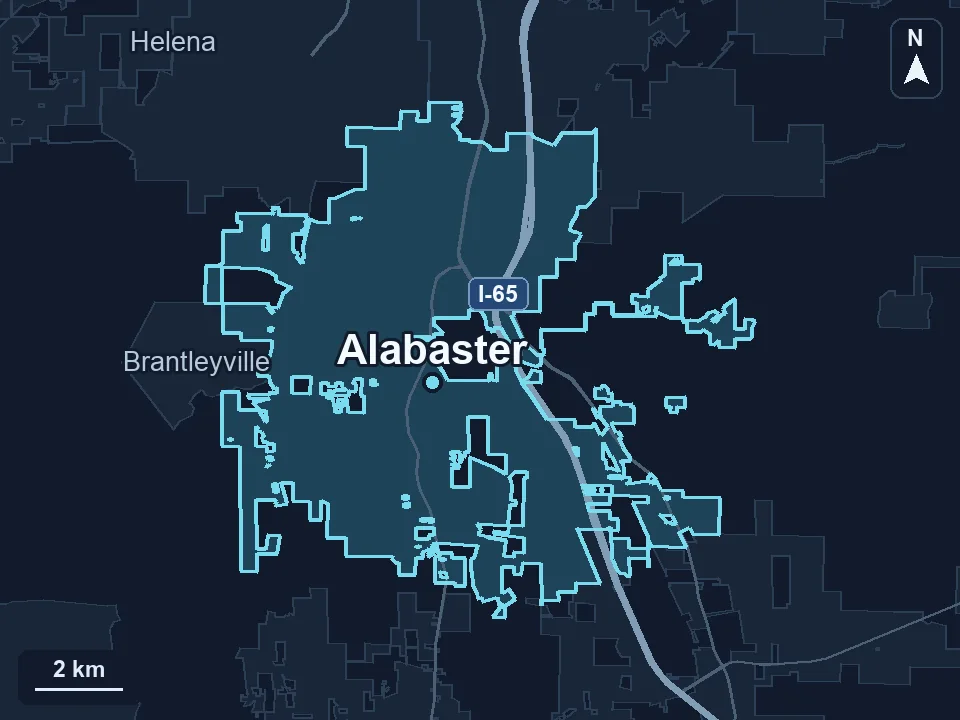
Zenogram serves Alabaster from our Hoover office. See the Alabaster service area and map.
Request an Alabaster local SEO audit
Send your Business Profile link, the address or service area you use, and an example of a detail customers keep calling to check.