SEO Services in Center Point, AL
Someone searching for a repair in Center Point needs to know whether you take that job and how to reach you. If your site sends every search to a long “Services” list, the caller has to work that out. Zenogram reviews the organic results, the pages behind them and the steps from a service description to an estimate.


Help customers tell whether you offer the service they need
Match a customer question to a page
We take questions your staff hear on the phone and check which page, if any, currently answers each one.
Explore SEOClarify what the customer can book
We look for the work you do, the areas you visit and what to send for an estimate. A specific answer can save the customer a second call.
Explore Content MarketingMake each useful page easy to reach
We check that the navigation links to the right service, that Google can index the page, and that the estimate link works on a phone.
Explore Technical SEO
How we work
Listen
Tell us which services you want to grow, who you serve and what is getting in the way.
Prioritize
We review what you already have and agree on which changes are worth making first.
Build and review
We build the agreed work, review it with you and check the steps customers will use.
Distinguish a request for a local business from a question for the city
Center Point’s Inspection Services department publishes information about construction, remodeling and permits. Two illustrative searches show the difference. “Bathroom remodeler Center Point AL” could lead to a contractor’s project and estimate details. “Center Point building permit” calls for the city’s own instructions.
- Write for the job the customer can hire you to do. A remodeling page might explain which parts of the project your team handles and whether you visit the property before quoting.
- Send civic questions to the right place. When someone needs an official form, point them to the city. Keep your own page focused on your services and the information you can confirm.
- Help people who find a single page in search. Read the page without starting at the homepage. Can a new visitor tell where you work and how to request an estimate?
Find the point where an interested customer gets stuck
Choose a service people call about regularly. We review search impressions and clicks for its page, then walk through the same steps a customer takes from a phone. Search clicks show where the visit started. Completed estimates and feedback from your team help explain what happened next.
- Check the link in the search result. Make sure it opens the current service page, especially if an older page described work you no longer take.
- Try the estimate process on a small screen. Check the phone link, form labels and confirmation message. Ask only for details your team uses to respond.
- Compare requests for the specific service. When inquiry records are available, distinguish requests you can serve from questions better directed to another provider or the city.
Frequently Asked Questions
Several services are on one page. Which ones need their own page?
A separate page makes sense when customers have a distinct question and you can provide a useful answer. Closely related tasks that lead to the same booking can often stay together.
What if an old page keeps appearing in search?
We check which queries bring it up and what customers should see now. Depending on the change, it may need a content update, clearer internal links or a redirect to its replacement.
Can you start if we have little search data?
Yes. Bring examples of what callers ask and the service page they use today. We can check content, indexing and the inquiry path, then review search data as it accumulates.
Serving businesses in Center Point
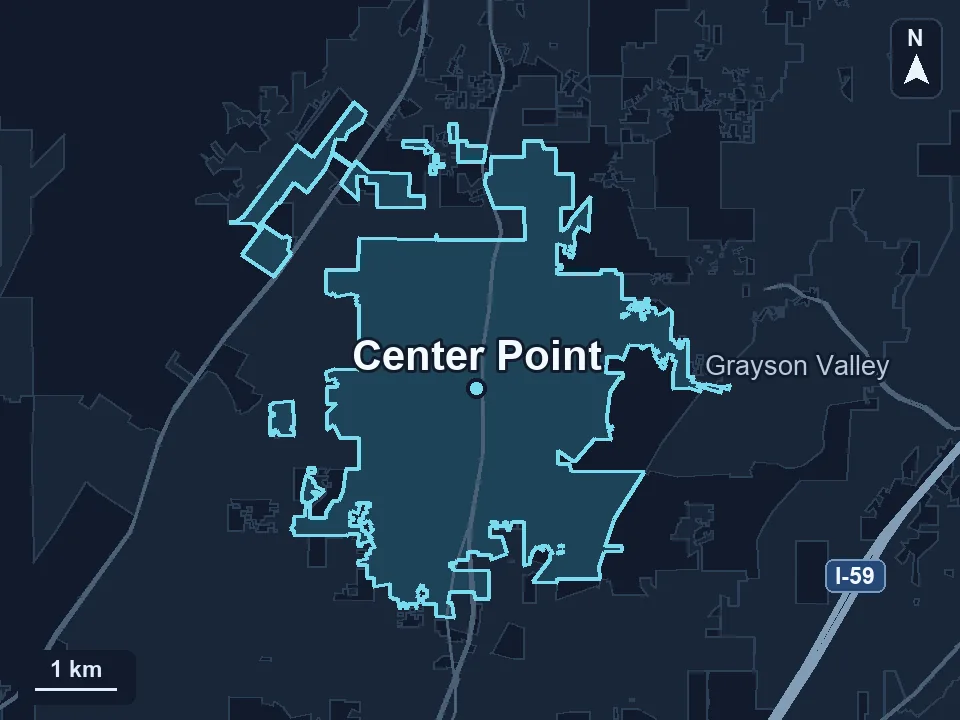
Zenogram serves Center Point from our Hoover office. See the Center Point service area and map.
Request a Center Point SEO audit
Send the page for one service you want customers to find, a question your team regularly hears, and the number or form customers should use.