Local SEO in Gardendale, AL
“I’m in the parking lot. Which door is yours?” A map can get a customer to the correct building and still leave them calling for directions. Zenogram checks how your Gardendale business appears in Google Maps, what the sign says when someone arrives and whether the phone number reaches your staff.


Follow the route a first-time customer takes
Look up the business by name
We open the Google Business Profile a customer sees and compare its name, category and contact information with the sign and the services you offer.
Explore local SEOFind the entrance
We test the directions link on a phone. Once it reaches the building, we look for the suite number, entrance photo or short instruction a visitor needs to finish the trip.
Explore Gardendale website designReach the right desk
We check the listed number and booking link against the ones your team uses. Your website should make it easy to call your desk or book with your business after finding you on Maps.
Explore Gardendale SEO
How we work
Listen
Tell us which services you want to grow, who you serve and what is getting in the way.
Prioritize
We review what you already have and agree on which changes are worth making first.
Build and review
We build the agreed work, review it with you and check the steps customers will use.
A street number can leave one more question
The Gardendale Chamber of Commerce lists its office at 857 Main Street and tells visitors it is inside the Gardendale Civic Center. That last detail is useful to someone standing outside. Imagine an independent alterations studio that shares its street address with several shops. We would test whether a customer coming for a fitting can find the studio door.
- Check the map destination. Open directions from the studio’s listing and the appointment email. A customer should arrive at the same building from either link.
- Show what customers will see. A current photo of the public entrance and a sentence such as “Use the glass door beside the stairs” can cover the last part of the walk. We confirm the wording with staff before adding it.
- Test an actual appointment. Can someone coming for a fitting tell where to go, how to check in and whom to call if the door is locked? We walk through those questions on a phone.
Put each detail where customers will look for it
When a shop shares an address, adding every detail to the business name can make the listing harder to recognize. We audit each field against the information your staff gives visitors.
- Business name. Use the name customers can see on your sign. Put parking and entrance directions on the contact or booking page.
- Address and suite. Check the street address and any assigned suite number against your public materials. Google provides a second address line for the suite.
- Phone and booking. Check who answers a call from Maps and where an online appointment lands. If a building directory lists the landlord’s number, flag that entry for correction.
Frequently Asked Questions
My neighbor has a Google listing at the same address. Is it a duplicate?
Two businesses can share a building. Compare their names, signs, phone numbers and locations before requesting a change. If the other listing belongs to a different business, leave it in place and check the details on your own profile.
Should I put the suite number in my Google business name?
Use the name you actually trade under. Enter the suite in the address field. Your directions page or appointment confirmation is a good place for extra details, such as which entrance to use.
What if we receive mail somewhere else?
Give customers the address where you actually receive them. Keep mailing instructions separate on your website when you need customers to send paperwork somewhere else.
Would our website need SEO work too?
If people find your profile but get lost on arrival, start with a local listing audit. If customers struggle to find what you do, our Gardendale SEO service reviews the website pages that explain your work.
Serving businesses in Gardendale
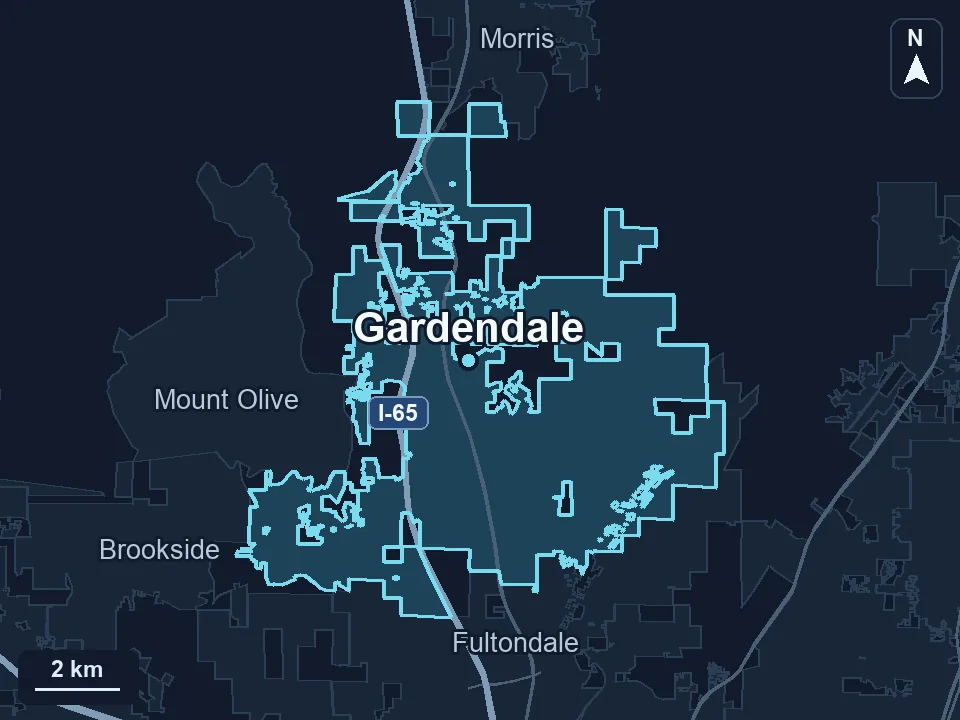
Zenogram serves Gardendale from our Hoover office. See the Gardendale service area and map.
Request a free Gardendale local SEO audit
Send your listing link and the directions you usually give a first-time visitor. We’ll compare them and flag the places where someone could take a wrong turn.