Website design for Helena storefronts and appointment-based businesses
A customer should be able to tell when you’re open, where to go and whether to book before leaving home. From our Hoover office, Zenogram builds websites for Helena storefronts and businesses that take appointments.


Help customers plan their visit
Share hours and arrival details
Show the actual address, entrance and any parking details that help a first-time visitor.
Explore Local SEOExplain what customers can book
Name the appointment options and give visitors the information they need to choose one.
Explore Website DesignMake schedule changes easy
Plan for staff to update hours, holiday notices and booking links when they change.
Explore Website MaintenanceMobile-friendly layouts
Check that important information and actions are easy to find and use on a phone.
Explore Website DesignWordPress editing
Give staff a clear way to edit the service, location or contact information they manage.
Explore WordPress DevelopmentWebsite maintenance
Keep contact links and key pages working as business information and software change.
Explore Website Maintenance
How we work
Listen
Tell us which services you want to grow, who you serve and what is getting in the way.
Prioritize
We review what you already have and agree on which changes are worth making first.
Build and review
We build the agreed work, review it with you and check the steps customers will use.
Show where to go and when to book
The City of Helena highlights Main Street shops in Old Town near Buck Creek. Wherever your business is in Helena, put the exact address and directions near the hours and booking options customers use.
- Tell customers what to do before visiting. Say when walk-ins are welcome and when an appointment is required.
- Make the booking link specific. Point to the schedule or service the visitor just read about.
- Include useful arrival information. Add an entrance, suite number or confirmed parking details where they help.
Fast Perc Test Website
Fast Perc Test explains what customers are scheduling and puts an online booking action alongside its service information.
A Helena business that takes appointments can pair service details with a booking link so customers know what to choose and what to expect.
Check the appointment path from a phone
Open a service page, follow the booking link and review the details the customer sees before confirming. Check that the calendar and website describe the same service.
- Verify the right schedule opens. Check the address, appointment options and availability that visitors see.
- Tell customers how to make a change. Put rescheduling or contact details where they can find them after booking.
- Give staff a routine for schedule updates. Test the booking and directions links after updating hours or appointment options.
Frequently Asked Questions
Can we keep our online booking provider?
Yes, if it fits the planned workflow. We can link to the correct schedule and test what customers see when they arrive.
Can we show both walk-in hours and appointments?
Yes. Explain which services accept walk-ins and give appointments a clearly labeled booking option.
Can staff update holiday hours on their own?
We can set up an editing workflow and show staff which pages and booking notices to update.
How do we help first-time customers find us?
Give them the street address, a directions link and any verified details about the entrance, suite or parking that are useful at your location.
What should we bring to the first call?
Share your website, hours, the booking tool you use and the appointment options customers ask about most.
Where is Zenogram based?
We work with Helena businesses from our Hoover office.
Serving businesses in Helena
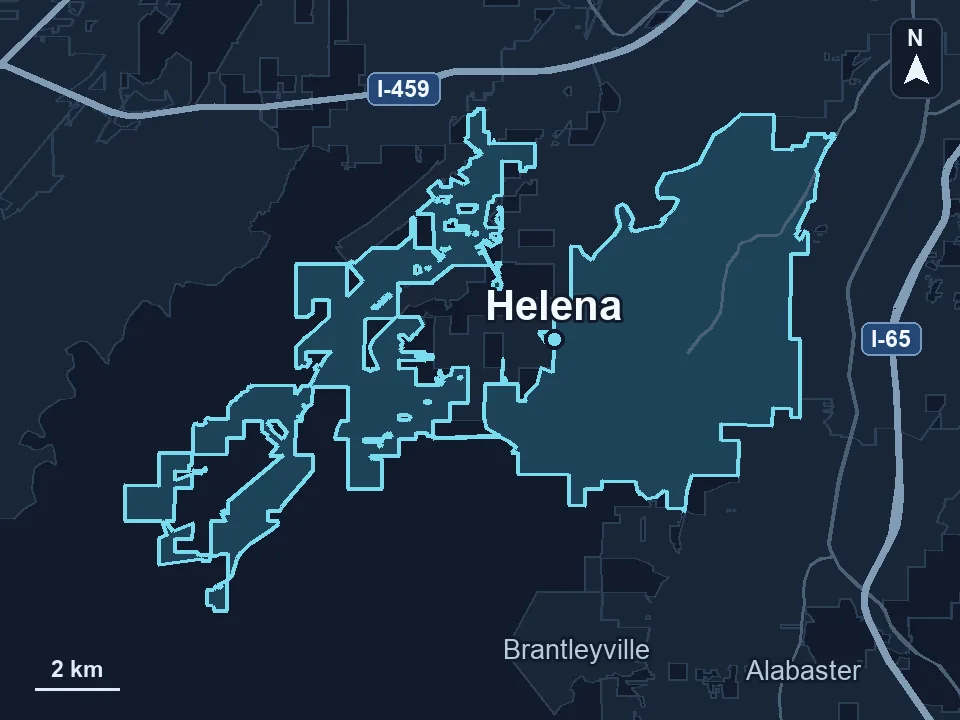
Zenogram serves Helena from our Hoover office. See the Helena service area and map.
Plan your Helena website
Send your current site, hours and booking link. Tell us how a first-time visitor should book or find you.