Local SEO in Homewood, AL
For a Homewood practice, studio or storefront, the directions and scheduling link matter as soon as a customer finds you. Zenogram reviews the route from local search to your business listing, directions and the place a customer actually calls or books.


Check the steps before a customer arrives
Listing and map pin
Compare the profile’s address and suite with the exact entrance or office you use.
Explore Local SEOPhone and scheduling links
Check whether the listing opens the right calendar or reaches the person who handles new inquiries.
Explore Lead GenerationPublic directory corrections
Find outdated business details that can send visitors to a prior location, closed office or old booking provider.
Explore Business Listing ServicesSearch result to location page
Check what visitors see after tapping Website in the listing and whether the page explains how to arrive.
Explore Website DesignTemporary changes
Set a procedure for updating holiday hours, short closures or changed entrance instructions where appropriate.
Explore Local SEOBooking and call review
Track the inquiries your team receives alongside relevant profile actions to see where customers need better instructions.
Explore SEO
How we work
Listen
Tell us which services you want to grow, who you serve and what is getting in the way.
Prioritize
We review what you already have and agree on which changes are worth making first.
Build and review
We build the agreed work, review it with you and check the steps customers will use.
Make directions useful in Downtown Homewood and Edgewood
Homewood’s planning workshop highlighted Downtown and Edgewood and heard concerns about getting around the city. Add useful details you can verify at your own location, such as a suite number, entrance or where first-time visitors should park. Put them on the page your profile already opens.
- Check the name and number. Use consistent business details in the listing and on your location page.
- Review a first-time visit. Try getting directions from the profile on a phone and check where the pin leads.
- Label the next action. Show whether visitors can walk in, request an appointment or call to discuss a service.
Trace a Maps visit from listing to appointment
Use one real example, such as a prospect who needs to choose a service or identify a shared-building entrance. Follow the public path and note which details they have to look up again.
- Test the arrival details. Compare the map pin, phone and website with the route you’d give someone by phone.
- Open the booking destination. Use the service and appointment type a new visitor would see.
- Make a plan for edits. Give someone ownership of listing changes and the page linked from the profile.
Frequently Asked Questions
What if our Homewood office has a shared entrance?
Put the suite or floor on the location page and add a useful entrance note. Check whether the map pin gets visitors to the right building.
Can you check our current booking link?
Yes. Share the public profile and schedule. We can check where the listing sends a visitor who wants a first appointment.
Can a business that travels to customers show coverage?
Yes. Describe services and the places you actually cover, and review how the Business Profile represents a business that travels to customers.
How is this different from editing my website for SEO?
Local SEO includes Maps and profile details. Website SEO also reviews pages, internal links, indexing and how customers reach your site through organic results.
Serving businesses in Homewood
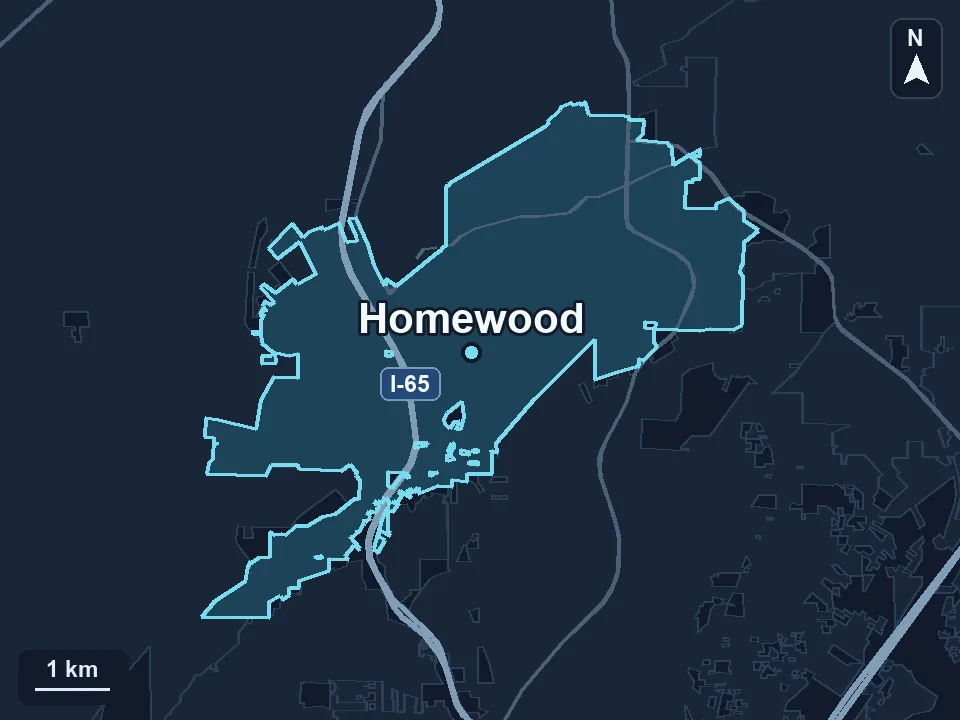
Zenogram serves Homewood from our Hoover office. See the Homewood service area and map.
Request a Homewood local SEO audit
Send your listing, website and public booking link. If customers get lost or call the wrong number, tell us where that happens.