Local SEO in Trussville, AL
Someone headed to Trussville’s entertainment district may check Maps for directions, hours or whether to reserve ahead. Zenogram helps businesses review what customers see in their Business Profile and make sure the listing leads to current information.


Keep the listing useful on regular and event days
Profile hours
Review regular hours and plan how staff update special hours when service changes.
Explore Local SEODirections
Check the map pin against the actual public entrance and share parking or access instructions you can verify.
Explore Local SEOVisitor links
Make the profile’s website, reservation or service links open a page that answers the question that prompted the tap.
Explore Website DesignLocal directory checks
Find public listings that display past hours or route calls to a number customers can no longer use.
Explore Business Listing ServicesEvent-day updates
Give staff a place to maintain event links and a separate process for changing regular business details.
Explore Content MarketingCustomer actions
Review direction requests, calls or reservation clicks where the business has those records.
Explore Lead Generation
How we work
Listen
Tell us which services you want to grow, who you serve and what is getting in the way.
Prioritize
We review what you already have and agree on which changes are worth making first.
Build and review
We build the agreed work, review it with you and check the steps customers will use.
Keep regular business details clear on event weekends
The Gateway publishes separate information for Trussville entertainment district events, shops, and food and drink businesses. If an event changes when or how customers can visit you, update the relevant profile details and add a clear notice on your site.
- Check special hours when schedules change. Confirm whether your business itself is opening early, closing late or operating normally.
- Give a dated event its own link. Send interested visitors to a page with the date, venue and reservation details.
- Keep the regular location easy to find. Use the correct street address and the entrance people should use for normal visits.
Review what customers see before they leave home
Run through the experience for a regular visitor and someone coming for a specific event. Agree on who updates the profile hours and who checks the links on your website.
- Check the profile actions. Try website, phone and directions links on a phone.
- Follow an event link. Confirm the page still shows the correct date and reservation or ticket details.
- Record the correction date. Keep a note of what changed so you can review the next set of reported actions.
Frequently Asked Questions
Should a downtown event change our regular hours?
Update special hours when the business itself is operating on a different schedule. Keep the normal hours accurate for routine visits.
Where should the listing’s website link go?
Use the main location page that gives visitors the right hours, directions and customer action. A separate event page can carry the dated details.
Can you review a service business outside the district?
Yes. We can review the listing, contact options, site and the areas where you actually travel to customers.
What should I send with an audit request?
Send the profile and site links, plus any hours, booking or arrival detail that customers regularly ask about.
Serving businesses in Trussville
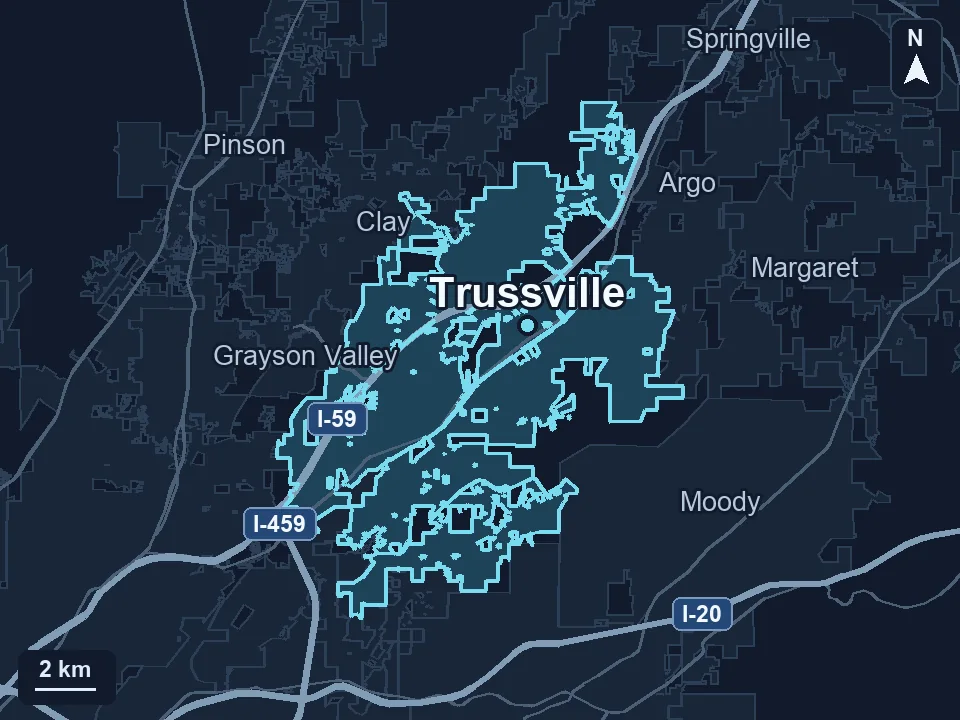
Zenogram serves Trussville from our Hoover office. See the Trussville service area and map.
Request a Trussville local SEO audit
Share your Google Business Profile and the pages customers use to plan a visit. Include a special-hours or event example if it’s giving them trouble.