Social Media Management in Alabaster, AL
An Alabaster shopper asking about pickup needs a different answer from a homeowner trying to schedule a service call. Zenogram builds social calendars and reply guides that give each customer the details they need and a clear way to reach your team.


Build posts around the way customers buy or book
Set a job for each post
Decide whether the post should bring people into a store, help them place a pickup order, or send them to a service request.
Confirm the offer with staff
Check the dates, pickup hours, and any availability limits before the post or story goes out.
Write quick answers for shoppers
Prepare responses to common questions about collection, order changes, and store directions.
Separate requests that need dispatch
Route availability and service-area questions to the person who can check the schedule and coverage.
Use a clear link for each next step
Check that an offer reaches the current product or pickup page and that a field-service post reaches the right request form.
Review store and service actions separately
Track pickup-page visits apart from quote or scheduling traffic so each type of post can be evaluated on its purpose.
How we work
Listen
Tell us which services you want to grow, who you serve and what is getting in the way.
Prioritize
We review what you already have and agree on which changes are worth making first.
Build and review
We build the agreed work, review it with you and check the steps customers will use.
Give store staff and field teams different reply paths
A question about curbside pickup can usually be answered with confirmed store details. A request to send a crew belongs with the scheduler or dispatcher who can check the work and the address.
- Separate inventory and scheduling questions. Identify who can verify stock, who sees the route calendar, and where the social team should send each request.
- Send job details to a private form. Give customers a way to share the town and service they need with staff without asking for an address in public comments.
- Check which handoffs reach staff. Review requests by type with the person on the receiving end and update replies or links that create extra steps.
Frequently Asked Questions
Can you promote store pickup without a full online store?
Yes. We can point people to your existing order process or approved instructions and make it clear when staff will confirm availability.
What if a product sells out during the promotion?
Decide who will flag a stock change. We can update the public details and stop planned reminders for that product when the team confirms it is unavailable.
Can the same account cover the shop and our on-site services?
Yes. Give each post a clear next step. Label pickup, store visits, and service requests so people know which part of your business can help them.
What should a mobile-service reply ask for?
Start by confirming the kind of work and the town. Send any address, photos, or scheduling details to your approved intake form or staff contact.
How do we report on pickup and job requests?
Review link activity separately for the two paths. Where staff have reliable records, compare completed pickups, eligible service inquiries, and bookings with that activity.
Serving businesses in Alabaster
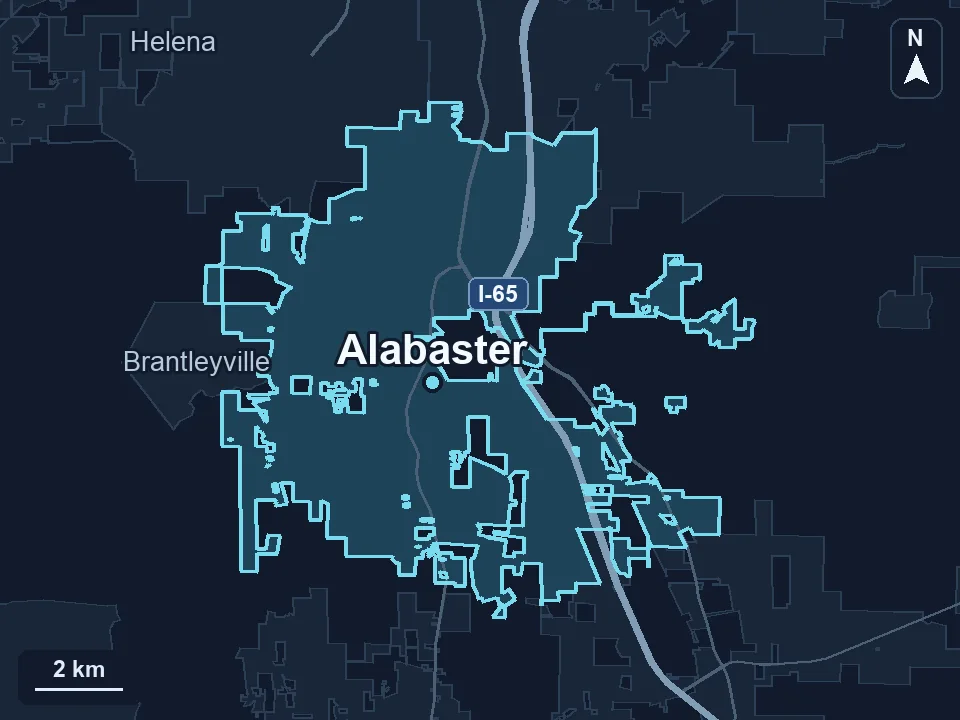
Zenogram serves Alabaster from our Hoover office. See the Alabaster service area and map.
Plan posts around your Alabaster customers
Tell us what people can buy, pick up, or book with you and which staff members should receive each type of message.
Make a storefront promotion useful after the first click
Alabaster’s city shopping guide lists both larger shopping centers and locally owned businesses. A weekend promotion can explain what the offer includes, where shoppers collect orders, and how long the offer runs.
City of Alabaster shopping guide