Website Design for Birmingham Electricians
Zenogram designs websites for Birmingham electricians that need to explain the work they take and make service or estimate requests easy to send. Give customers a clear path for troubleshooting, upgrades and planned installations. Zenogram serves Birmingham from our Hoover office.
What the website project covers
Start with the information customers need to make a decision, then test the route to their next step.
Electrical service navigation
Make it easy to compare repairs, upgrades and installation services.
Phone and availability
Display staffed hours and contact options where visitors need them.
Service area
Show where electricians travel and how to ask about an address.
Project gallery
Use approved examples tied to the type of work.
Estimate intake
Collect job type, property location and timing with optional context.
Release checks
Test calls, forms and mobile layouts before launch.
How we work
Listen
Tell us which services you want to grow, who you serve and what is getting in the way.
Prioritize
We review what you already have and agree on which changes are worth making first.
Build and review
We build the agreed work, review it with you and check the steps customers will use.
Help customers choose the electrical service they need
Use clear headings, concise project descriptions and straightforward contact options so visitors can tell whether you handle their request.
- Make urgent contact options easy to see. Show your staffed hours and tell visitors where to call to ask about availability.
- Explain the scope of planned work. Say what an estimate or site visit involves for the upgrades and installations you offer.
- Support the service with approved examples. Show useful project details without including customer addresses or other private information.
Fast Perc Test Website
Fast Perc Test’s Hoover-area website makes field-service coverage and booking easy to find. A Birmingham electrician can use the same pattern to show where crews work and give planned installations a request option beside the service details.
Collect the details that support an estimate
Design the intake around what your staff uses to review the request. Keep the basic form short enough to complete on a phone.
- Ask for the work type and property location. Use that information to check coverage and send the request to the right person.
- Offer room for timing and optional photos. Let customers explain the job in their own words and add details only when they have them.
- Confirm the next step. Tell visitors how the team reviews requests and test the handoff to the right inbox or scheduler.
Frequently Asked Questions
Can the same website handle repairs and upgrades?
Yes. Give each service its own details and match its contact option to how your team handles the work.
What should an electrical estimate form ask for?
Start with the type of work, property location, timing and contact details. Leave technical specifics for follow-up when possible.
Should the form ask for a photo of a panel?
Make photos optional if they help the estimator. Let customers describe the job without needing to provide a picture.
Can we show residential and commercial work separately?
Yes. Use separate service or project sections when prospects need different scope, proof or contact information.
Can we keep our current phone and scheduling tools?
We can review their current role and plan how the new site should connect to them.
What do you need to start the website design?
Share your service list, coverage, approved photos and examples of inquiries that your team can act on.
Serving businesses in Birmingham
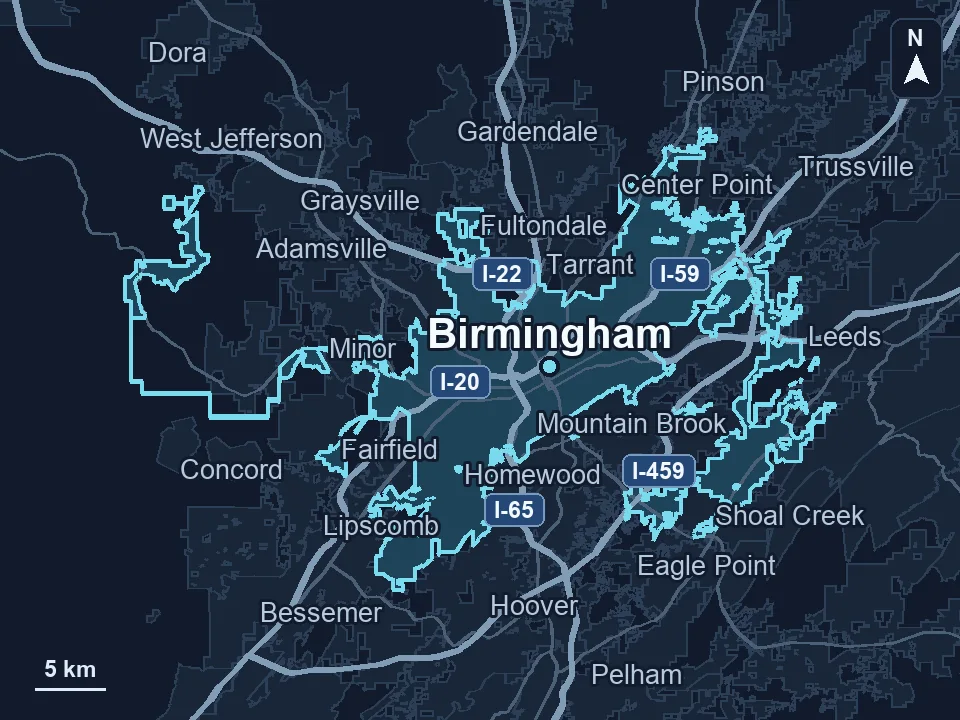
Zenogram serves Birmingham from our Hoover office. See the Birmingham service area and map.
Discuss your website project
Tell us what customers need to do on your website and what your team wants to improve.
Request a free SEO audit