Website Design for Birmingham Real Estate Agents
Build a Birmingham real estate website around area guides, property search, and clear buyer and seller inquiry routes. Zenogram serves the Birmingham metro from our Hoover office.
What the website project covers
Start with the information customers need to make a decision, then test the route to their next step.
Area guide templates
Create reusable layouts for Birmingham-area resources and relevant property search links.
Buyer and seller pages
Explain each pathway and show visitors where to start a conversation.
Property search integration
Connect the existing feed or hosted search based on the provider's supported options.
Agent and team profiles
Present approved profiles and link them to the guides and contact routes they support.
Inquiry routing
Give property questions and general buyer or seller inquiries a clear destination.
Mobile and editor handoff
Test the public workflows and show the team how to maintain guides and profiles.
How we work
Listen
Tell us which services you want to grow, who you serve and what is getting in the way.
Prioritize
We review what you already have and agree on which changes are worth making first.
Build and review
We build the agreed work, review it with you and check the steps customers will use.
Let visitors move from research to a conversation
An area guide should help visitors understand what the team covers and give them a way to keep looking or ask a specific question.
- Give area guides a consistent layout Organize neighborhood information and related guides around verified details.
- Make property search easy to reach Link to the relevant listing search from area pages without burying the site's own resources.
- Separate buyer and seller inquiries Let visitors choose the route that fits their next step.
Town Favorite Website
TownFavorite groups its Birmingham metro city guides and gives readers a route to check availability or contact the team. That provides a model for a real estate site that lets visitors read an area guide, open the related search, or contact an agent from the same page.
Build for an existing listings workflow
Review the feed provider and team responsibilities before designing the property search experience and lead routing.
- Confirm the provider handoff Document where search, listing detail pages, and property inquiries are hosted.
- Design reusable guide and team pages Give staff an editable way to update the areas they cover and the people who can help.
- Test search and inquiry on phones Check the handoff from a guide to the feed and back to an inquiry.
Frequently Asked Questions
Can you connect our existing listing search?
Yes. We can review the provider's supported links or integration and choose an appropriate handoff.
Can we keep existing area guides?
Yes. Review which guides should carry forward and map URLs when a page is moved.
Can buyer and seller inquiries go to different team members?
Yes. Identify who handles each request and reflect that routing in the approved form or contact links.
How do you make property search usable on phones?
Test the route from a guide to the search and confirm the external provider's mobile behavior.
Can our agents update guide pages?
We can agree on editing roles and show designated staff how to update guides and profiles.
What needs review before launch?
Review guide content, feed links, forms, and URL redirects in the private preview.
Serving businesses in Birmingham
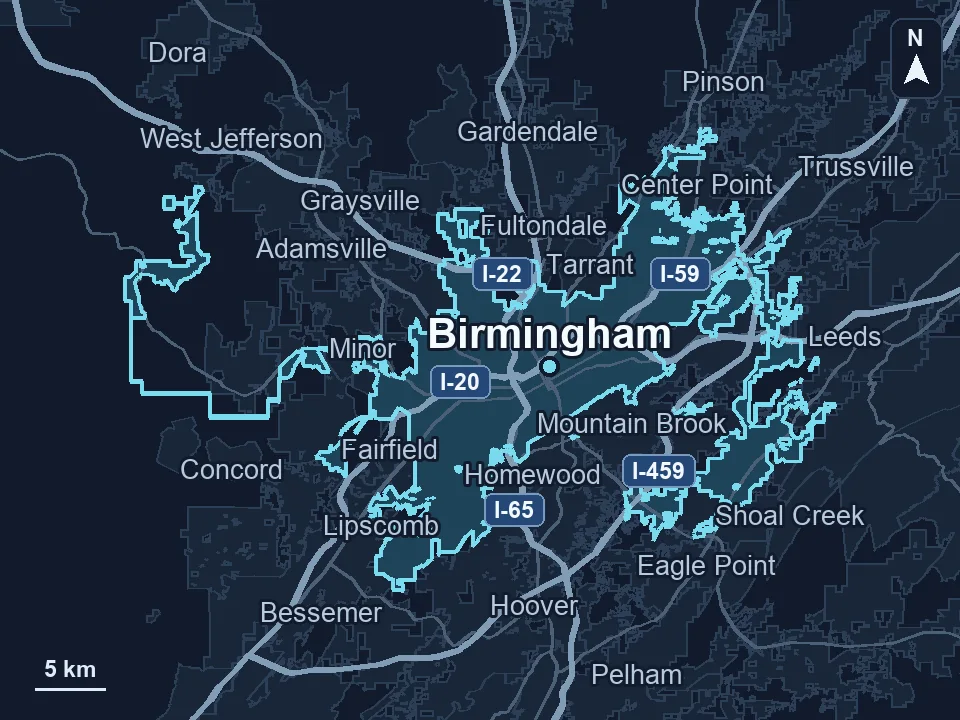
Zenogram serves Birmingham from our Hoover office. See the Birmingham service area and map.
Discuss your website project
Tell us what customers need to do on your website and what your team wants to improve.
Request a free SEO audit