Custom Web Development in Homewood, AL
A desk employee sees a full class in one tool and an open slot in another. Zenogram builds custom web apps, portals and integrations for Homewood businesses that need their online sign-ups and day-to-day operations to agree.
Build around work that standard tools leave to staff
Rules for class passes and sign-ups
Define which classes a pass covers, what happens when a session fills and who can change a reservation. Plan for the exceptions staff see most often.
Member and staff portals
Give members the details they need before a visit. Give staff access to attendance, capacity and exceptions according to their role.
Integrations with the tools you use
Check whether the scheduling or payments vendor supports the records you need. Decide which system owns the booking, pass balance and payment status.
A clear capacity rule
Agree what counts as a confirmed spot when a member, a guest and staff can each make a reservation. Check how the rule holds when two people try to book the last spot.
An exception list staff can use
Show bookings that need review, such as a cancellation after the deadline or a payment that needs confirmation. Define who can clear each item.
A handoff the owner can repeat
Document supported connections, access, exports and recurring fees. Agree who can make changes and who checks the workflow as vendor tools change.
How we work
Listen
Tell us which services you want to grow, who you serve and what is getting in the way.
Prioritize
We review what you already have and agree on which changes are worth making first.
Build and review
We build the agreed work, review it with you and check the steps customers will use.
What should happen after someone reserves a class?
The Homewood Chamber’s business directory includes fitness and sports businesses. Picture a studio that sells multi-visit passes alongside drop-in sessions. When someone cancels, staff need to know whether the pass should be reinstated, whether there is time to contact the waitlist and which screen shows the answer.
- Decide when to return a pass credit. Write down the business rule for cancellations, studio closures and no-shows. Make the outcome visible to staff and members.
- Give the waitlist a clear next step. Set how long a member can claim an opening. Decide what staff need to know if the invite expires and the next member is offered the spot.
- Handle check-in without a second list. Define what the person at the desk should see when a member arrives and which cases they can resolve there. Test it on a busy session before rolling it out broadly.
Start with one workflow and prove that it works
A dependable class scheduler may already cover ordinary sign-ups. Scope the remaining rule or integration and decide what it must do in a realistic example before committing to a full build.
- Show a day’s work with sample records. Bring a sample registration, cancellation and time-sensitive exception. Describe where staff currently copy a status or decide which record to trust.
- Test what happens when a connection is delayed. If the payment provider sends a status after a reservation attempt, decide how the screen should respond and which person should get a follow-up.
- Agree on launch checks with staff. Walk through the same workflow as a member and as a staff user. Document what each person can access and how the owner can export records if needed.
Frequently Asked Questions
Can we keep our public website and current scheduler?
Often we can keep both while assessing a supported connection or a separate staff tool. Bring the vendor’s name and the specific action the existing setup cannot handle.
Could we use a standard booking tool first?
Yes. Check whether a supported setup already covers capacity, cancellations and staff permissions. Scope custom work around specific rules that the existing tool leaves out.
Can staff change a booking without having full account access?
Staff access can be part of the scope. List which people should be able to move a booking, resolve an exception or see a payment status, then test those roles before launch.
What should we bring to the first discussion?
Bring a redacted example, the names of the connected tools and the steps someone handles manually. There is no need to share passwords or customer records.
Serving businesses in Homewood
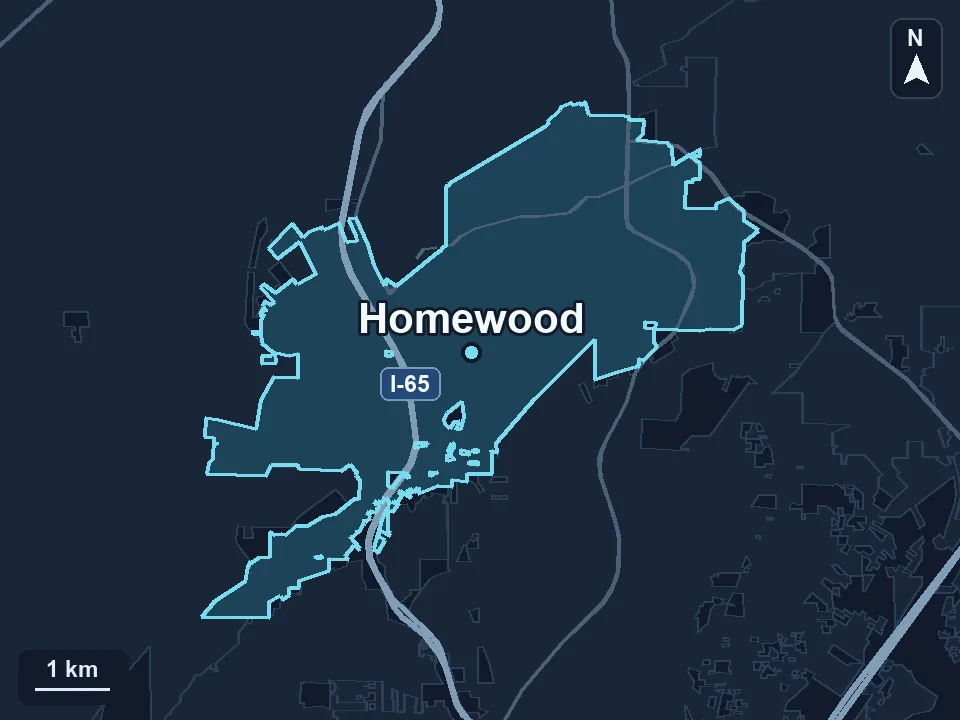
Zenogram serves Homewood from our Hoover office. See the Homewood service area and map.
What does your team still handle by hand?
Describe one process, the people who need it and the tools they use today. A redacted example can show us where the current setup needs help.
Explore the custom development process