Website Maintenance in Homewood, AL
A diner follows a reservation link from an old menu. A first-time visitor opens directions while walking from a nearby store. Zenogram helps Homewood businesses keep those details current and check that their existing site still works after an update.
Keep the existing website working
Plan supported updates
Check which updates belong to the host, site platform or plugin. Schedule a change when staff can verify the pages and tools affected.
Protect a copy you can restore
Confirm what the platform backs up and who can access it. Keep a recovery plan for site files, content and settings outside the site.
Check the task behind each link
Test directions, phone links and reservations on a phone. Confirm the booking service or inbox receives any agreed test request.
Store and dining information
Keep regular and temporary hours, contact details and mobile links current. Assign someone on staff to confirm details before they go live.
Staff access and handoff
Record who edits content, who renews essential accounts and who can approve a technical change. Review access when staff responsibilities change.
A useful change record
Write down the change, the expected result and the checks that passed. Leave the next person enough detail to investigate a problem.
How we work
Listen
Tell us which services you want to grow, who you serve and what is getting in the way.
Prioritize
We review what you already have and agree on which changes are worth making first.
Build and review
We build the agreed work, review it with you and check the steps customers will use.
Help visitors find their way from the page they already saved
The Homewood Chamber highlights downtown shopping and Edgewood dining. The city’s comprehensive planning discussions also identified sidewalks and connectivity as local concerns. A Homewood business can use its own site to explain the entrance, how to reach the location and where to find current reservation details.
- Start from an old link. Open a link from a menu, email or printed card. If it leads to a retired page, choose the closest current destination and verify what the visitor sees.
- Review the details people use on the way. Ask staff to confirm the correct entrance, any accessibility information they can verify, and the right number to call. Check that the same details appear on the most visited pages.
- Retire short-term instructions on a date. If you put a temporary pickup announcement on the site, choose when it should come down and who will check what remains.
Check what changed after an update
Start with a known working task, such as opening your reservation provider from a saved menu link. Record the expected destination and who can confirm the result. Use that same path after an update.
- Separate the website from outside tools. Check that the link opens the correct location and date. If the reservation provider is reached but unavailable, record where the failure starts and ask its support team to verify the account.
- Avoid affecting real bookings. Use a preview environment or an agreed test request when the platform supports it. Ask the person who reads the requests to confirm delivery and close the test entry.
- Record a way to recover. If a change breaks a customer action, write down the last known working version and the person with permission to restore it. Agree who needs to know once service is restored.
Frequently Asked Questions
Can you maintain a website another agency built?
Share the site address and tell us who manages the domain, website platform and booking tools. We check supported updates and access before agreeing on what we can maintain.
What if we only need to fix one link or change the hours?
Tell us which page a visitor starts on and what the right information is. We can help determine whether one correction will solve it or whether several pages share the same outdated details.
How do we keep staff edits in place during an update?
Agree on the pages staff manage and record changes before a technical update. Confirm the team’s latest copy and settings are still present afterward.
What if an outside booking tool is the problem?
We can check the handoff to the booking page and identify where it stops working. The tool’s account owner or provider may need to make changes on its side.
Serving businesses in Homewood
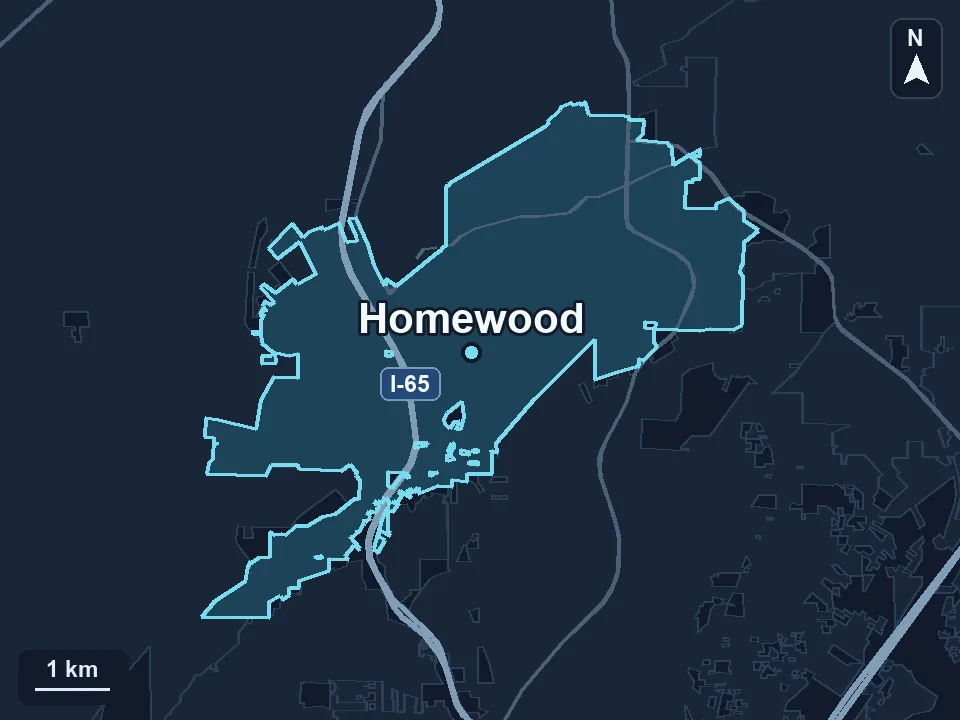
Zenogram serves Homewood from our Hoover office. See the Homewood service area and map.
Which part of your website needs regular care?
Send your website address, one task a customer depends on and any dates your team wants to protect during an update.
See the website maintenance process