Website Maintenance in Irondale, AL
A repair shop can update its site on Tuesday and discover on Friday that the service request form stopped reaching the front desk. Zenogram helps Irondale businesses maintain the sites they already have and check how requests get from the website to staff.
Care for the pages and forms you rely on
Supported software updates
Check which site software, theme and extensions the host or platform supports and choose when the team can verify changes.
Backup and recovery planning
Confirm what a backup includes, who can access it, and whether a scheduling or inbox tool needs a separate recovery plan.
Forms, tap-to-call and directions
Test the service request and visit details on a phone. Confirm the right staff inbox received any test inquiry.
Hours and instructions
Keep drop-off information, appointment rules and current hours consistent across pages customers use.
How we work
Listen
Tell us which services you want to grow, who you serve and what is getting in the way.
Prioritize
We review what you already have and agree on which changes are worth making first.
Build and review
We build the agreed work, review it with you and check the steps customers will use.
Keep the service desk connected to the website
Irondale’s comprehensive plan calls for continuing to promote the city as an automotive hub. For a Grants Mill Road repair shop, an existing site may serve people who need to plan a drop-off or ask about a diagnostic appointment. A site update should leave both paths working, even when they start from a page the customer saved weeks ago.
- Use the page customers already find. Start with the repair or drop-off page that receives calls. Try the primary action and any links customers use outside normal hours.
- Check the actual destination. With your approval, send one clearly labeled test request. Ask the service desk to confirm the subject, reply address and delivery.
- Make after-hours information specific. If customers leave vehicles before opening, check that the page gives current instructions and a phone number for follow-up.
Plan what to do if an update breaks a key step
Before an update, record the last working version and decide how to handle a failed form or call link. A backup can restore parts of the website while the inbox or scheduling vendor may still need a separate fix.
- Name the check and its owner. Write down the page, expected result and who can confirm it. Check on a phone as well as a desktop if visitors use both.
- Identify what can be restored. Ask the host what the restore point includes and agree when to roll back a change that affects customers.
- Give staff a fallback. If an approved repair takes time, publish a working phone or contact option that staff can monitor.
Frequently Asked Questions
Can you work on our current site?
Share the site and platform so we can review which updates are supported and who can manage the host, theme and add-ons.
Can you test an appointment form?
With your approval, we can follow the website path, make a clearly labeled test request and confirm it arrives as expected. A separate scheduling vendor may handle part of that flow.
How do you decide when to schedule updates?
We look at the software involved, the recovery options and when your team can check the pages and forms customers depend on.
When does a problem call for a redesign?
If the site can no longer support routine changes or the customer tasks you need, we can scope a design or development project.
Serving businesses in Irondale
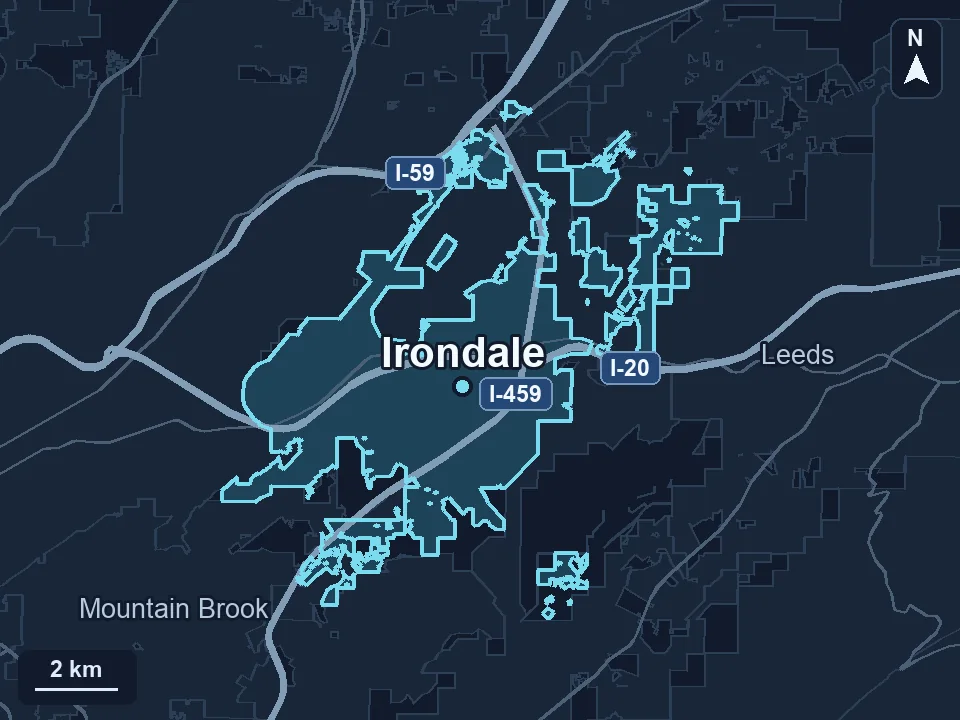
Zenogram serves Irondale from our Hoover office. See the Irondale service area and map.
Plan care for your Irondale website
Send the page you depend on, the site platform if you know it, and the task you want to keep working through the next update.
See the website maintenance process