Custom Web Development in Mountain Brook, AL
A shopper wants to see a sample at a consultation. The appointment calendar shows an opening, but the team still checks a second system to find out where the sample is. Zenogram helps Mountain Brook businesses scope custom web tools that bring those decisions into one workflow.
Give your team a clear way to finish the request
Booking with a second requirement
Collect the requested time, item or location and give staff the information needed to approve it. Make it clear when a customer request is still pending.
Supported software connections
Check whether the booking and inventory vendors can share the fields you need. Agree which tool remains responsible for each record before connecting anything.
A view for staff
Show staff which appointments still need an item confirmed, who owns the request and where to see the most recent update.
Customer request flows
Make the information a customer provides match what the team needs to make a decision. The workflow can start from an existing site and hand off to a supported tool.
Work queues and permissions
Show staff what needs a response, who can change a request, and which details the customer sees.
Testing and ongoing ownership
Test routine requests and exceptions before launch. Agree who owns the relevant accounts and which work needs maintenance after the first release.
How we work
Listen
Tell us which services you want to grow, who you serve and what is getting in the way.
Prioritize
We review what you already have and agree on which changes are worth making first.
Build and review
We build the agreed work, review it with you and check the steps customers will use.
Test a booking when the item and time live in separate tools
The Mountain Brook Chamber lists specialty retailers among its members. An illustrative use case is a shop that offers product consultations and keeps sample availability in a system separate from its calendar. A new tool could collect both details, then route the request to staff who can confirm the sample and the time.
- Choose where each detail lives. Keep the calendar responsible for appointment times and the inventory tool responsible for item availability. Decide whether any data needs to be copied into the new tool.
- Handle a last-minute change. Walk through what happens if the item moves to another location after a request arrives. Decide whether staff can offer another item or ask the customer to choose a different time.
- Make confirmation clear. Show when a request is pending and what the customer receives once both details have been checked. Give staff a way to follow up when one system is unavailable.
Scope the first release around one complete request
A form and a manual check may meet your needs if requests are infrequent. If staff repeatedly check two systems or lose track of pending requests, map the steps and decide which part a custom tool should handle first.
- Bring one example with private details removed. Show the current request, the calendar or inventory step and the point where an employee decides whether to confirm it.
- Check what the vendors support. Review the available ways the tools can share data and any required account permissions before relying on an automated connection.
- Agree on acceptance and handoff. Test confirmation, cancellation and a failed availability check. Name the person who can manage access and make routine changes after launch.
Frequently Asked Questions
Do we have to rebuild our public website?
The public site can often stay in place. We can assess whether a smaller feature or a separate staff tool would fit alongside it.
Can the tool connect to our current calendar and inventory?
That depends on the vendors and your account access. We review supported connections and export options before estimating the work.
How do you decide what to quote first?
We identify one workflow, the people who use it, the systems it touches and the exceptions it must handle. That gives us a practical basis to estimate a first phase.
What happens at handoff?
We agree on responsibility for accounts, source files, exports and ongoing support during scoping. The handoff includes the instructions and access covered by the project agreement.
Serving businesses in Mountain Brook
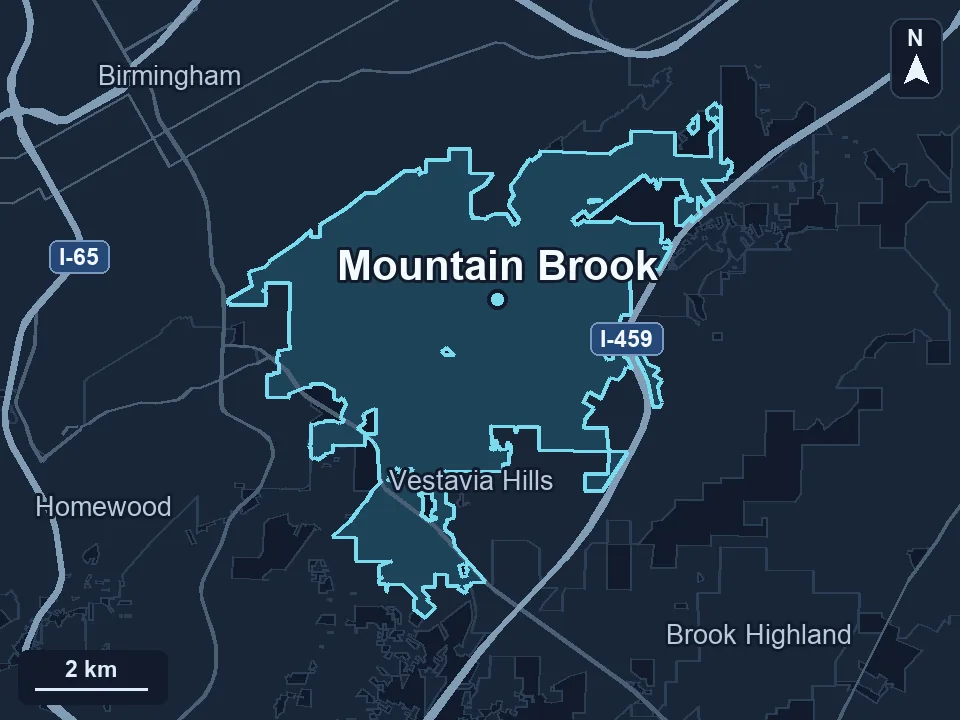
Zenogram serves Mountain Brook from our Hoover office. See the Mountain Brook service area and map.
Share the workflow you want to improve
Tell us what happens when a request arrives, who makes the next decision and where they check the details. Start with one example and leave customer information out.
Explore the custom development process