Social Media Management in Mountain Brook, AL
Zenogram helps Mountain Brook shops plan social content people can use before they visit. Build a schedule around new arrivals, product guides and staff picks, with the right storefront, hours and pickup details attached to each post.


What social media management covers
Plan recurring shop posts
Give each week a useful mix of new arrivals, staff picks and product questions customers actually ask.
Create photos, carousels and short videos
Turn shelf photos and staff notes into branded posts that show the item and how someone might use it.
Explore Content MarketingApprove stock and pickup details
Have the store confirm the offer, location and availability before a product post goes live.
Handle availability questions
Give the team a reply for common product questions and a way to check sizes or stock that changes during the day.
Send shoppers to the right storefront
Link to the product collection, pickup information or visit page that matches the caption.
Explore Lead GenerationReview shopping decisions
Compare product-link taps, saved guides and recurring stock questions when deciding what to feature next.
How we work
Listen
Tell us which services you want to grow, who you serve and what is getting in the way.
Prioritize
We review what you already have and agree on which changes are worth making first.
Build and review
We build the agreed work, review it with you and check the steps customers will use.
Use shopper questions to improve the next posts
Someone might save a gift guide, tap into the product collection or ask if an item is in stock. Review those actions with the store team. If questions keep coming in about sizes, opening hours or pickup, put the answer closer to the next post.
- Assign someone to check stock replies. Use approved language for general answers and let store staff confirm current availability.
- Review clicks by content series. Compare where staff picks, product guides and pickup posts sent people.
- Give repeat questions a home. Use frequent questions to plan a short tutorial, a pinned answer or a clearer product caption.
Frequently Asked Questions
Can you plan posts around what’s in the shop each week?
Yes. Agree when your staff sends product updates and who confirms availability before the post is approved.
What if an item sells out after we post?
Tell us who can confirm the change. Update the caption, reply or destination as appropriate so customers have current options.
How do we handle two shops with different inventory?
Identify the location in the caption and link to the matching page. Set a location-specific reply for questions about pickup or stock.
Can you turn our product photos into a regular series?
We can map approved photos to branded carousels, short videos or captions. Use a repeatable format staff can keep supplying.
What can we learn from saves and product clicks?
They show different actions people took after seeing a post. Review both alongside the product and availability questions your team receives.
What should we send before we start?
Send your profile links, shop and pickup details, product photos and a few items or collections you want to feature.
Serving businesses in Mountain Brook
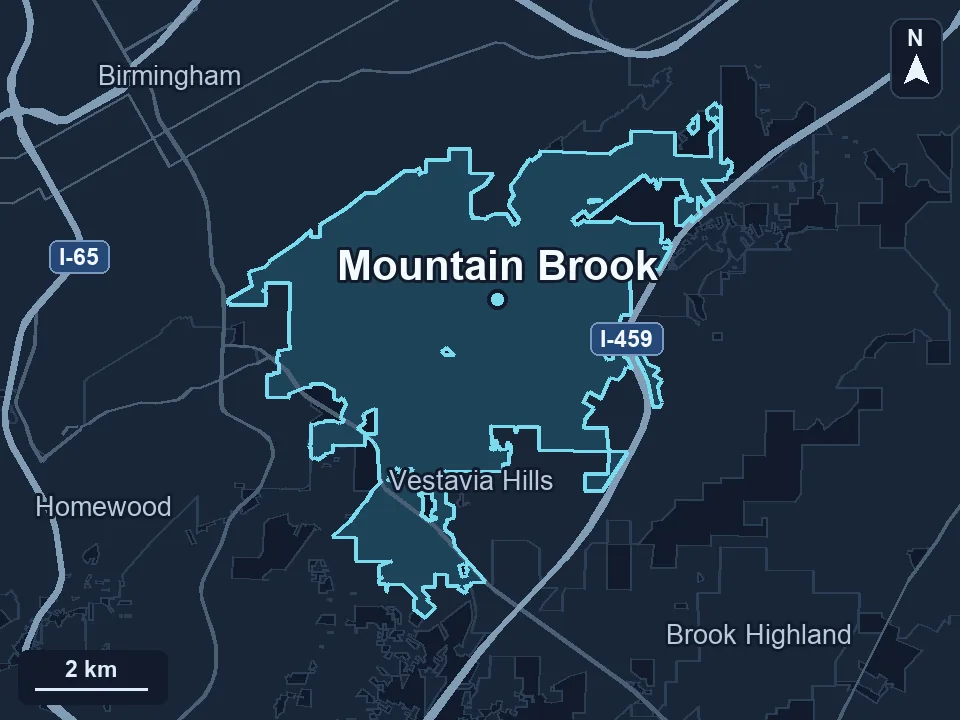
Zenogram serves Mountain Brook from our Hoover office. See the Mountain Brook service area and map.
Plan the next round of Mountain Brook storefront posts
Tell us what shoppers should discover this month and where they can see it or check availability.
Give shoppers a reason to check what’s in the store
Mountain Brook’s shopping villages include Crestline, English Village and Mountain Brook Village. For a shop in one of those villages, a staff-pick carousel can show a few items and explain what each is useful for. Give the post a store-specific next step so someone can check availability or plan a visit.
Atlas Alabama’s Mountain Brook profile