Custom Web Development in Pelham, AL
A dealer requests a quote, a rep checks part numbers and availability, and someone else sends an order update. Zenogram builds custom web applications and integrations for Pelham businesses that need a clearer way to collect requests, route approvals and share status.
Plan the rules that connect a request to a decision
Account-based quote requests
Let a buyer send part numbers, quantities and a delivery window. Decide which details are required, which ones the buyer can update and when a rep should review the request.
Dealer and staff portals
Give each role the information it needs. A dealer can see their own request status while a rep can review availability and document a substitution.
Connect supported systems
Check what the inventory, order or customer system can share. Identify which application owns the quote or order status before building the connection.
Agree on status labels
Use labels that tell a buyer what just happened and what comes next. Distinguish a request received from a quote ready to review or an order released for fulfillment.
Keep an exceptions queue
Give staff a clear place to review duplicate requests, missing part numbers or requests blocked by a system outage. Decide which issues need a message to the buyer.
How we work
Listen
Tell us which services you want to grow, who you serve and what is getting in the way.
Prioritize
We review what you already have and agree on which changes are worth making first.
Build and review
We build the agreed work, review it with you and check the steps customers will use.
Follow a dealer request from the first message
Pelham has recognized companies in manufacturing and wholesale fulfillment. Picture a distributor whose website takes quote requests while the sales team checks part numbers in a separate system. The project starts with the point where staff need to confirm a substitution, ask for a missing detail or tell the buyer when to expect an answer.
- Give each account the right view. Check that the dealer can see their own requests. Let the account rep review the request without showing notes or pricing intended for another account.
- Set rules for partial availability. Try a request with three items when one needs a substitute or later delivery. Agree which options the rep can offer and what the buyer must approve.
- Keep a record when data changes. Record the person who approved a substitution and the status sent to the buyer. Identify which system displays the latest decision.
Start with one request that staff can verify
Choose one product group and trace a quote to the person who decides on price, availability or delivery. A first release should make that handoff clear to staff before it expands to other accounts or order types.
- Try three requests with example data. Test a standard quote, a request from another account and a missing item. Use sample part numbers and contact details before connecting production data.
- Check whether an existing tool handles the work. Start with your current order or quote software. Verify its integration options before deciding which steps need a custom application.
- Decide what a failed connection should do. Show staff when a status is out of date and give them an agreed path to check the source system. Document who handles retries after launch.
Frequently Asked Questions
Can we connect the inventory or order software we already use?
We check which fields and actions your provider makes available and what each integration requires. The first version can use fewer connections if your team can still complete the quote or update.
Can a dealer see only their own requests?
Yes. Scope how user accounts are assigned, what each role can see, and who may change an account. Include account separation in the launch tests.
Do we need a portal if a form already collects everything?
A form may be enough when one person can handle each request. A portal can help when buyers need status, staff have separate roles, or the same information gets copied across tools.
How do you scope the first version?
Work through a normal request and two exceptions with your sales and fulfillment teams. We review the data, roles and supported integrations before estimating the work.
Serving businesses in Pelham
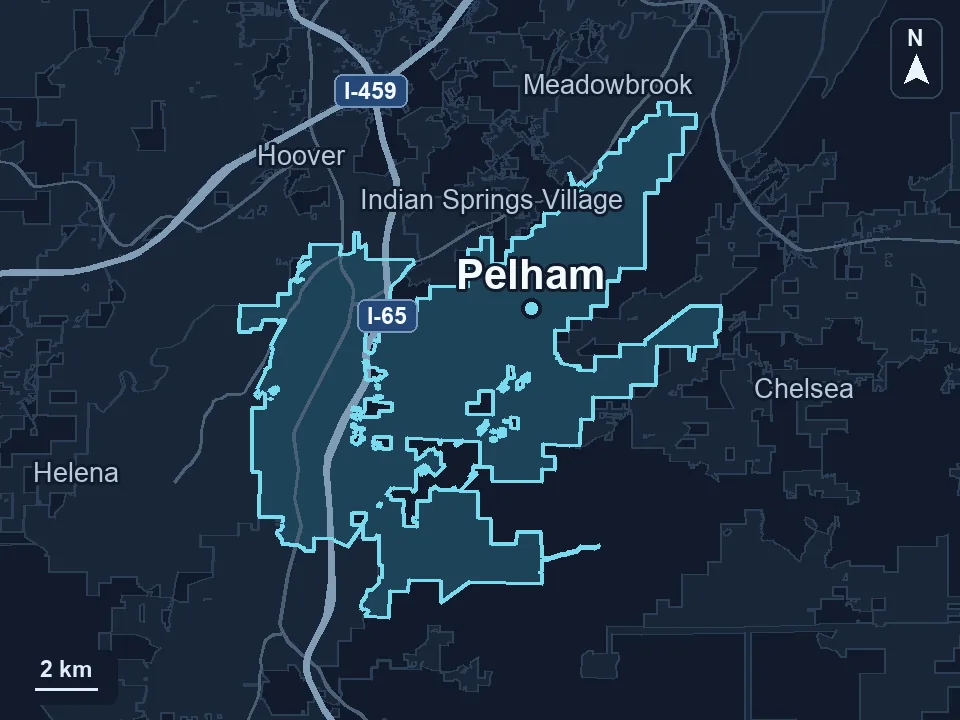
Zenogram serves Pelham from our Hoover office. See the Pelham service area and map.
Where does your team lose time on a quote?
Describe the request a customer sends, where staff look up the next detail and what the buyer needs to see afterward. A sample with invented account information is enough to start.
See custom development services