Website Maintenance in Pelham, AL
Someone opens a saved schedule and follows a link to register. The date has changed, but the old file still comes up first. Zenogram helps Pelham businesses keep their existing sites current and check that customers can still complete the next step after an update.
Website care for changes that affect a visit or signup
Maintain schedules and notices
Agree which page carries the current date. Update the public schedule, cancellation notice or registration link together so older pages point people to the latest information.
Plan supported platform updates
Identify which parts of your site the platform and host let you update. Choose a time for the change, check the available backup and agree who can restore it.
Retest forms and embeds
After a supported update, check the calendar and registration links on a phone. Confirm that contact forms still reach the staff member who handles those questions.
Keep website changes with an owner
Record who confirms dates and who updates the website. If the schedule changes after hours, identify the page staff can update and the message customers should see.
Check known starting points
Open an old calendar link, the program page and the current registration destination. Verify what customers see at each step on a phone.
How we work
Listen
Tell us which services you want to grow, who you serve and what is getting in the way.
Prioritize
We review what you already have and agree on which changes are worth making first.
Build and review
We build the agreed work, review it with you and check the steps customers will use.
Make the current schedule easy to find
Pelham’s public skating page asks visitors to recheck session times before they travel. Consider how that applies to a business that posts an activity calendar each month. Someone opening a saved schedule needs a clear place to verify the current date and see how to register.
- Start with the page people save. Check whether older calendar files or announcements still appear in search. Where you control those pages, add a clear link to the current schedule.
- Check a change that affects registration. If a session is canceled or moved, confirm the embedded tool or external registration page reflects the same update. Confirm who owns each system.
- Test a form on the pages that matter. With permission, send an agreed test message and check which inbox or staff member receives it. Record whether the confirmation shown to the customer matches that outcome.
Know what to restore if an update breaks a key action
A site backup may cover a calendar page while a separate registration provider controls availability and confirmations. Document those responsibilities before the update so your team knows where to start.
- Record what worked before the change. Write down the current calendar link, the appearance of the registration button and the expected confirmation or staff notification.
- Check backup and restore access. Find out what the host backs up and how staff can request a restore. If that backup excludes a separate registration system, document who can restore or correct information there.
- Retest the same paths. Compare the same pages and actions after the update. Record any failed step and the person responsible for restoring or correcting it.
Frequently Asked Questions
Can you work on an existing site built by someone else?
Yes, when we can get the needed access and the platform supports the changes. Share the site URL and tell us who manages the host and any connected tools.
What if people still open an old calendar file?
We can review how visitors reach that file and choose a supported way to point them to the current calendar. Links to files hosted elsewhere may need to be updated by whoever owns those files.
Will you test calendar and registration tools we already use?
We can check the visitor path and coordinate an approved test with the tool owner. Fixes inside the provider’s software depend on what your account and integrations support.
Can we start with a one-time update?
Yes. Share the pages and actions that need attention first. A one-time maintenance review can help identify what needs recurring checks later.
Serving businesses in Pelham
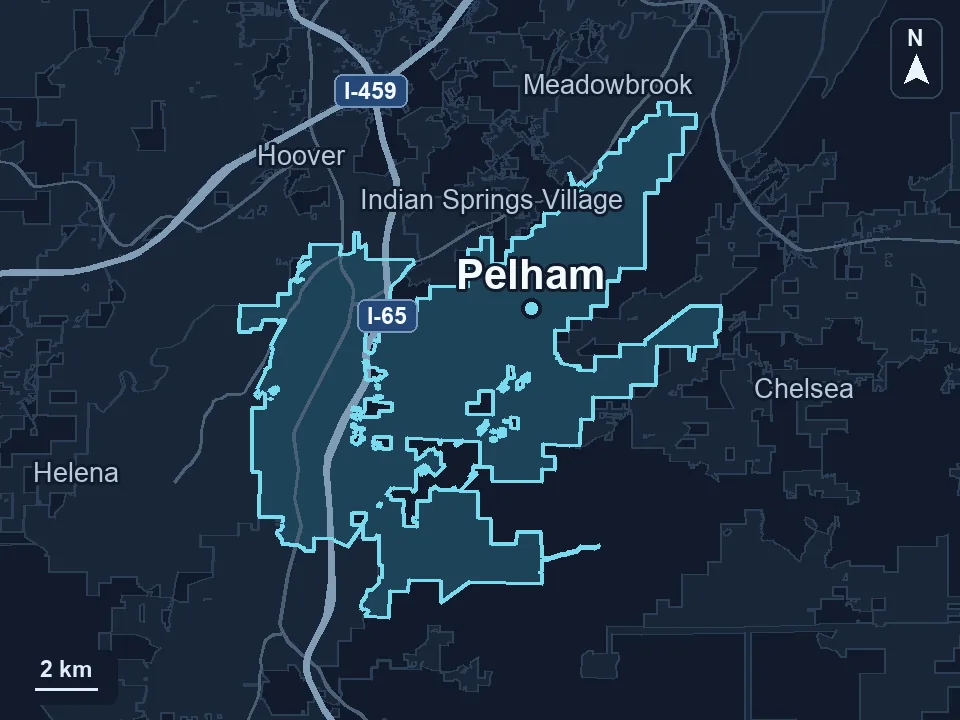
Zenogram serves Pelham from our Hoover office. See the Pelham service area and map.
Tell us what customers need to do after an update
Share your site, one page people depend on and the next step they should be able to complete. Include upcoming dates that affect when your team can make changes.
See website maintenance services