Social Media Management in Trussville, AL
Zenogram helps Trussville venues and businesses publish social updates people can use to make plans. Build a sequence for announcements, reminders, day-of changes and recaps, with each date and reservation link checked before it goes out.


What social media management covers
Build a sequence for each event
Plan when the first announcement, reminder, day-of update and recap should go out.
Create assets people can recognize
Use related graphics, clips and captions so customers can identify the same event as the date approaches.
Explore Content MarketingSet an approval deadline
Confirm the date, venue, accessibility details and ticket or reservation link with the event owner.
Plan who handles day-of questions
Give staff replies for common direction or ticket questions and a fast way to flag a change.
Send people to the current listing
Use the official event or booking page in the profile, caption or story link where the channel supports it.
Explore Lead GenerationReview the sequence after the event
Compare event-link activity, questions and approved recap content to improve the next announcement.
How we work
Listen
Tell us which services you want to grow, who you serve and what is getting in the way.
Prioritize
We review what you already have and agree on which changes are worth making first.
Build and review
We build the agreed work, review it with you and check the steps customers will use.
Use the recap to plan a better next announcement
An announcement, reminder and recap do different jobs. A recap can share approved highlights and direct people to the next listing when it’s ready. Review event-link clicks with the organizer and use the most common attendee questions to improve the next schedule.
- Record questions that arrived before the event. Keep track of recurring questions about arrival, access or reservations so the next announcement can answer them earlier.
- Check which links can be measured. Review traffic to the official listing and any reservation information the organizer can confirm.
- Collect material for the recap. Choose approved photos or short clips and confirm the details of any next event before adding them.
Frequently Asked Questions
Can you plan posts for a single Trussville event?
Yes. We can build a sequence around the announcement, reminder and day-of details, then agree what assets will be available for a recap.
How do you handle a weather delay or schedule change?
Agree who can approve a change, what scheduled posts to pause and which public listing should be updated first.
Can we use a separate site for registration or tickets?
Yes. Use the organizer’s current event link and test it on a phone. Available reporting depends on what the ticketing provider shares.
Who answers questions when the event is underway?
Set the reply and staffing plan in advance. Questions about availability or access go to the person who can confirm details on the day.
What can we reuse after the event?
Approved highlights, frequently asked questions and a tested event link can inform the next announcement. Check permissions before using attendee images.
What do you need before the announcement goes out?
Send the date, venue, official listing, materials approved for publishing and the person who can confirm changes.
Serving businesses in Trussville
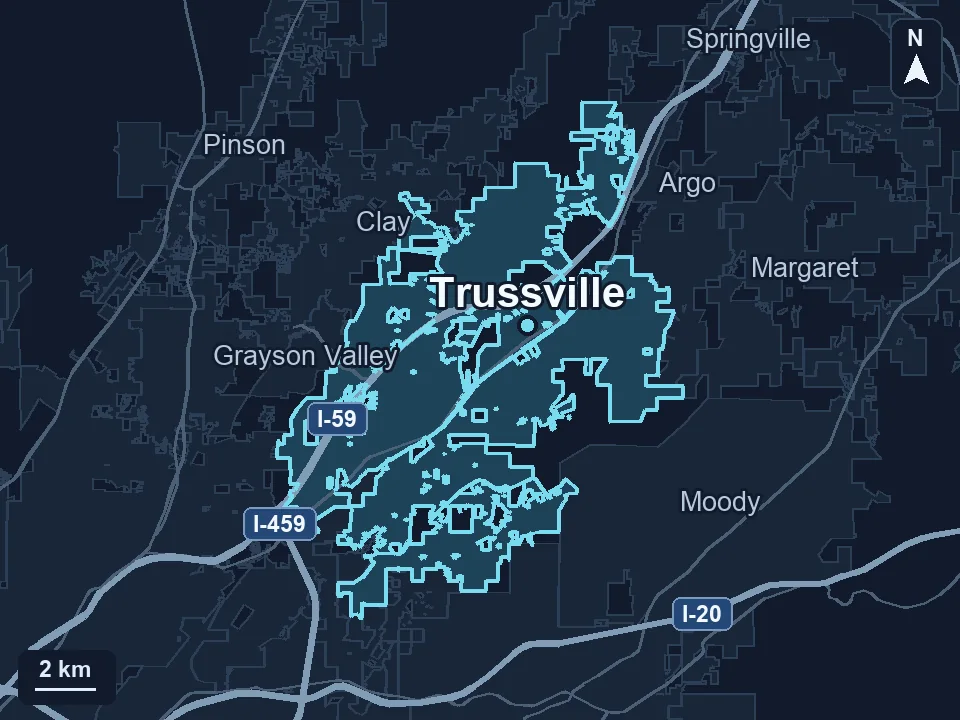
Zenogram serves Trussville from our Hoover office. See the Trussville service area and map.
Plan your next Trussville event announcement
Tell us what you’re promoting, when it takes place and who can confirm changes before and during the event.
Keep the event details current as the date approaches
The Gateway publishes an event calendar for Trussville’s downtown entertainment district. For a venue or business with an upcoming program, use a similar point of reference. Announce the date and venue, remind people how to reserve and update the same event listing if plans change.
The Gateway’s Trussville event calendar