Social Media Management in Vestavia Hills, AL
Zenogram helps Vestavia Hills businesses keep social media current while their teams are out doing the work. We turn approved job photos, customer questions and confirmed community dates into posts your staff can review and publish on schedule.


What social media management covers
Plan around work you can document
Leave room for job updates, common questions and community dates your team has a reason to share.
Turn crew photos into useful posts
Use approved photos and short clips to show what a service involves and which questions a customer should ask.
Explore Content MarketingSet a weekly approval routine
Agree when the team sends material, who signs off and which details need confirmation before a post is scheduled.
Route coverage questions
Use a shared reply guide for the areas you serve and send questions about a specific address to your office.
Connect posts to quote requests
Point customers to the service page or estimate form that matches the work shown in the post.
Explore Lead GenerationReview the questions worth answering next
Look at quote link activity and recurring questions about service, timing or coverage when planning the next calendar.
How we work
Listen
Tell us which services you want to grow, who you serve and what is getting in the way.
Prioritize
We review what you already have and agree on which changes are worth making first.
Build and review
We build the agreed work, review it with you and check the steps customers will use.
Turn coverage questions into a clear estimate path
A homeowner who sees a project may ask whether you do that work at their address. Agree which replies can use your public coverage information and who should check a specific address or schedule an estimate.
- Give the office a clear handoff. Route job-specific questions to the person who can confirm coverage or book an estimate.
- Use a service-specific link. Point to the page with the relevant service and estimate form.
- Look for questions that keep coming back. Review estimate link activity and the inquiries your team receives. Turn repeated topics into the next round of posts.
Frequently Asked Questions
What if our team rarely has time to take photos?
We can plan a short photo list for work you already do and build posts from approved images, simple clips and written service tips.
Can you use photos from a job?
We can use material you approve for publication. Agree ahead of time which customer details, people or locations should be left out.
Who checks a post about a local event?
Your team confirms participation and checks the organizer’s current details. We build that confirmation into the approval timeline.
Can you keep posting while our schedule changes?
We can hold a few service tips or question-and-answer posts in reserve and agree who flags changes before a scheduled post goes out.
How should we reply when a person asks about an estimate?
Use a short reply and send them to the matching service or estimate page. Give your office the questions that need an address, availability or a scope decision.
What should we bring to the first call?
Send your profiles, the jobs you want to promote, examples of material you can share and the best page for estimate requests.
Serving businesses in Vestavia Hills
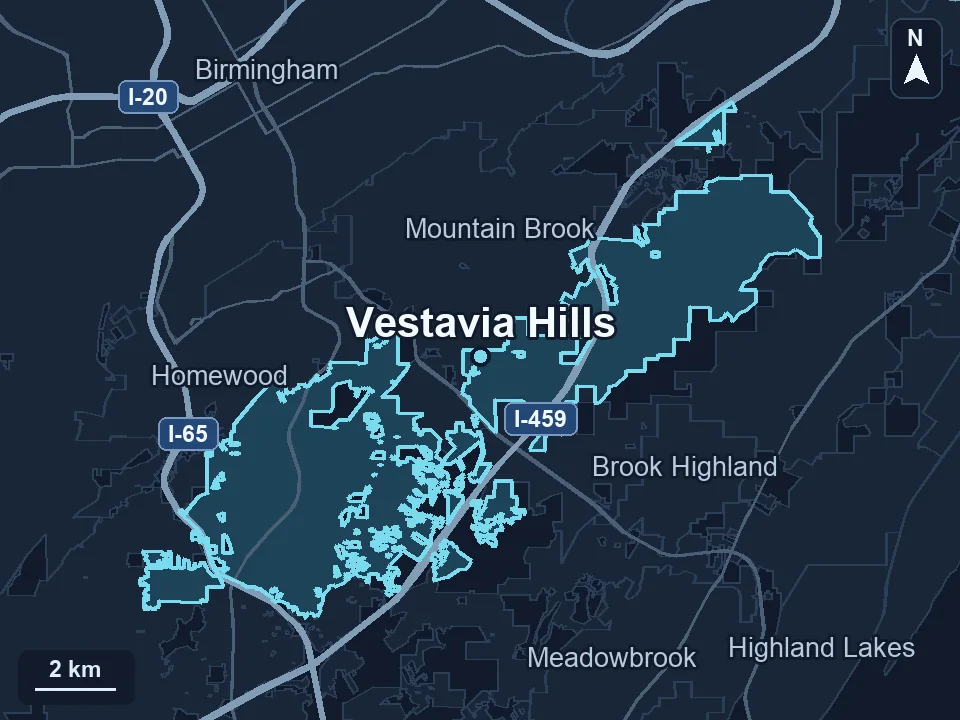
Zenogram serves Vestavia Hills from our Hoover office. See the Vestavia Hills service area and map.
Build a Vestavia Hills calendar your team can keep current
Share the work you want to show, the photos you can provide and where inquiries should go.
Keep job updates and community dates on one calendar
Vestavia Hills publishes Dogwood Festival activities across the city. If your business participates in a community event, give the confirmed date a slot on the calendar and link to the organizer. Keep regular posts focused on work the team can show, such as a repair walkthrough or a short video about what to prepare before an estimate.
City of Vestavia Hills Dogwood Festival calendar