Business Listing Services in Birmingham, AL
When customers find two addresses or different opening hours, it’s hard for them to know where to go. From our Hoover office, Zenogram helps Birmingham businesses compare their public listings, prioritize corrections, and check what customers see after updates.
What we review in your business listings
Start with the listings customers already use. Compare each one with your current business details before requesting edits.
Listing inventory
Find the public profiles customers see when they look up your business name, location, or phone number.
Address and phone checks
Compare each listing with your current address, phone number, and the right website page.
Hours and holiday updates
Review regular hours, special hours, and appointment instructions where customers look for them.
Duplicate listings
Check ownership and whether entries refer to the same business or to separate eligible locations.
Correction tracking
Record the proposed change, where to submit it, and the status so your team can follow up.
Customer action checks
Open the listing on a phone and confirm that calls, directions, and booking links point to the right place.
Explore Birmingham Local SEO
How we work
Listen
Tell us which services you want to grow, who you serve and what is getting in the way.
Prioritize
We review what you already have and agree on which changes are worth making first.
Build and review
We build the agreed work, review it with you and check the steps customers will use.
Give customers the right details for each location
A Birmingham storefront needs an address customers can visit and hours they can rely on. A crew that travels to jobs needs clear coverage and a way for customers to check an address. Verify the details before changing listings across platforms.
- Confirm one current record per location with the name, phone, website, and hours your team can verify.
- Distinguish storefronts from mobile services and follow each platform’s rules for showing an address and coverage.
- Check location links on a phone so a customer lands on the page with the right directions, booking, or service information.
Google’s Business Profile guidelines for addresses and service areas
What Zenogram found in its own Hoover listing audit
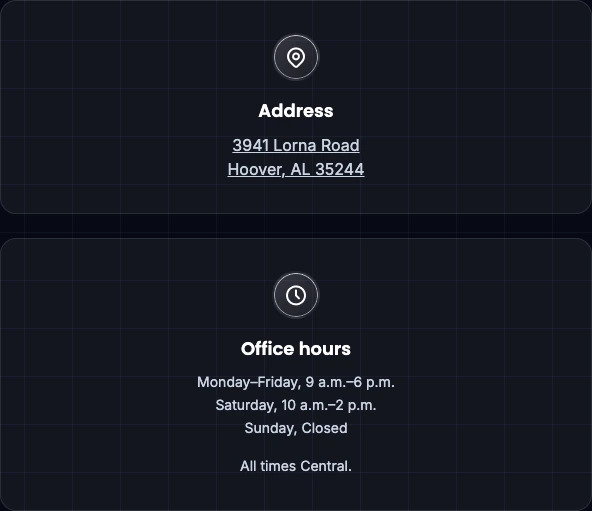
In November 2026, we compared third-party directory entries with the current address on our Contact page. Three public placements still showed our previous Hoover office. The audit recorded the source, the correct address, and where to request each change. This gives a Birmingham business a practical checklist after a move.
Track requested corrections until they appear
Use a simple record for each platform. Keep the public listing URL, what’s wrong, the requested correction, and the date you last verified it.
- Fix details that stop customers first such as a wrong phone number or an address customers no longer visit.
- Document possible duplicates and verify the listing and its ownership before requesting a merge or removal.
- Recheck the public listing after the platform reviews your edit. Record what customers can see and what still needs follow-up.
Frequently Asked Questions
Which business listings should I check first?
Start with listings customers use for calls, directions, and bookings. Look for outdated addresses, disconnected phone numbers, incorrect hours, and links that lead to the wrong location.
What if our business moved or changed its hours?
Confirm the current details on your website. List profiles that still show the old information and track when the platforms publish each correction.
How do you handle duplicate listings?
We check whether the profiles represent the same business at the same location and review who can manage them. The correct next step depends on the platform and the listing’s history.
Can you review listings for multiple locations?
Yes. We can compare the public records for each location against its own address, hours, phone, and landing page. For mobile service businesses, we can review how service areas are described.
How is business listing management different from local SEO?
Listing management focuses on the details people see in business profiles and directories. Local SEO also covers website pages, the information that helps people find you, and how you track local inquiries.
What should I send for a business listing review?
Send your website and links to any profiles with conflicting details. Tell us which address, hours, or phone number is current and which locations the review should cover.
Serving businesses in Birmingham
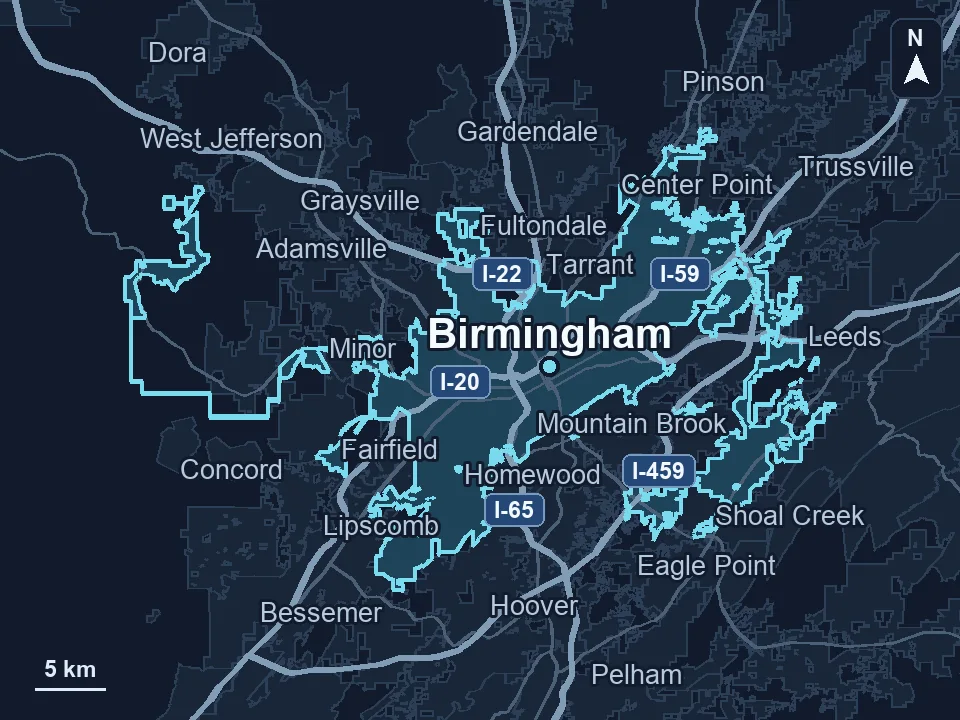
Zenogram serves Birmingham from our Hoover office. See the Birmingham service area and map.
Discuss your Birmingham business listings
Share the listings you’re concerned about and the details customers should see. We’ll discuss which profiles to check first.
Request a free SEO audit