Website Design for Birmingham HVAC Companies
Zenogram designs websites for Birmingham HVAC companies that need different paths for repairs, scheduled maintenance and replacement estimates. Show customers what happens next and collect the details your team uses to dispatch. Zenogram serves Birmingham from our Hoover office.
What the website project covers
Start with the information customers need to make a decision, then test the route to their next step.
HVAC service layouts
Give urgent repair, tune-ups and replacements clear navigation and next steps.
Dispatch contact
Keep phone actions and real response hours visible.
Service-area display
Explain where your crews can take each kind of work.
Request forms
Collect only the information needed for first review and routing.
Responsive verification
Check how service pages, calls and forms work on phones and with a keyboard.
Seasonal updates
Give staff clear places to update hours and service availability.
How we work
Listen
Tell us which services you want to grow, who you serve and what is getting in the way.
Prioritize
We review what you already have and agree on which changes are worth making first.
Build and review
We build the agreed work, review it with you and check the steps customers will use.
Build distinct paths for the calls you receive
Someone with a system failure needs to know when they can reach dispatch. A homeowner researching a replacement needs to understand the assessment before getting in touch.
- Put repair hours by the call button. Make it clear when someone answers and where service is available.
- Explain a maintenance visit. Say what is included and give customers a place to request a preferred time.
- Describe the replacement assessment. Explain what your team typically reviews and let a customer ask for a visit with useful property details.
A Hoover-area field-service website example
Fast Perc Test shows its Hoover-area coverage and lets customers find online booking alongside the service information. A Birmingham HVAC site can use that pattern to put the appropriate repair call, maintenance request or estimate action on the page a customer is already reading.
Make appointment and estimate requests easy to review
A customer may be filling out the form on a phone next to the equipment. Use simple language, optional details and a clear confirmation.
- Start with location and the service requested. Ask for the address or ZIP code, the issue, timing and a way to reply.
- Let visitors add equipment details when useful. Use optional fields or follow-up for model numbers and photos.
- Test the routing to dispatch and sales. Check who receives repair and maintenance requests and who responds to replacement inquiries.
Frequently Asked Questions
Should urgent HVAC work have a booking form?
Use an urgent call option when your staff can respond. A form is useful for requests your team can review during scheduled hours.
Can we keep the tool we already use for appointments?
We can review it and decide where a link or embed fits best.
Should customers enter a model number?
Make it optional unless your team needs it before calling back.
Can the site show maintenance options separately from repair?
Yes. Show what a visit covers and give each service an appropriate next step.
Can we update availability without rebuilding pages?
Plan editable service and hours fields around what your team needs to change.
What should we bring to the first design conversation?
Send your service list, coverage, existing contact tools and examples of details that dispatch needs before booking.
Serving businesses in Birmingham
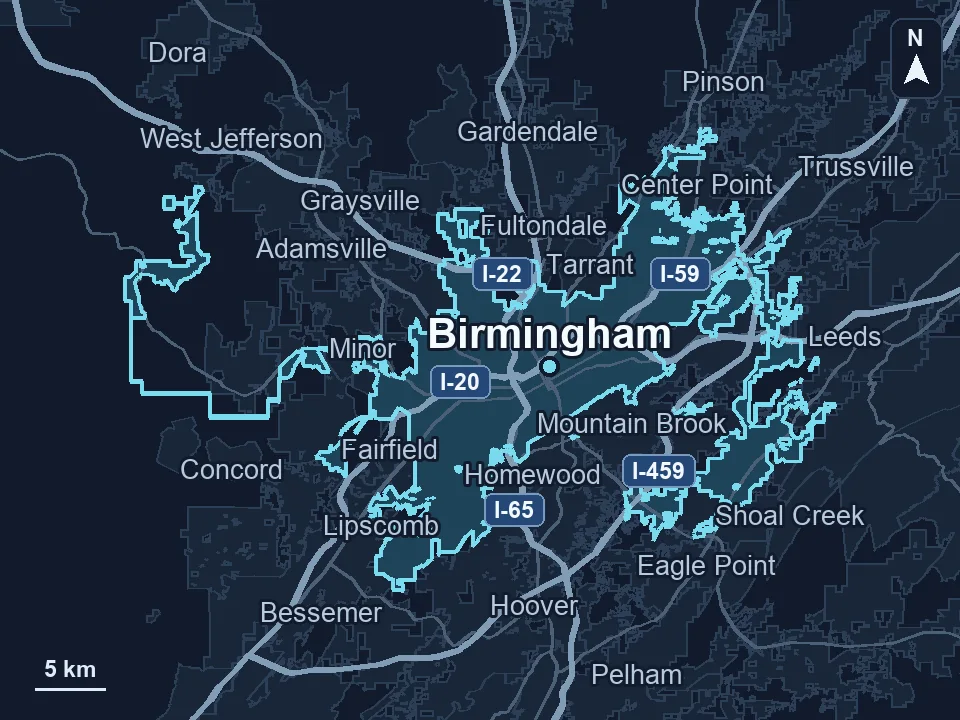
Zenogram serves Birmingham from our Hoover office. See the Birmingham service area and map.
Discuss your website project
Tell us what customers need to do on your website and what your team wants to improve.
Request a free SEO audit