Website Maintenance in Hueytown, AL
A customer has last year’s checklist in a saved email. The website has a new version, but the old link is still there. Zenogram helps Hueytown businesses keep existing websites current and check the links, files and forms people rely on after an update.
Keep the information customers use in working order
Update pages and downloads
Identify the page customers should use for the latest document. If a form or checklist changes, update its links and check what someone sees when they open an older copy.
Schedule supported updates
Review which software updates the host and platform allow. Agree which pages to check and when to pause a change if a customer action stops working.
Prepare a recovery option
Confirm what the host backs up and who can restore it. Record any downloads or forms that live in separate services, along with who can fix them.
Give staff a reliable link to share
Use a clear page address for the current document. Staff can send customers to that page and replace the file when the details change.
Retest the path after an update
Open the document and follow its next step on a phone. Check that a call, email or request goes to the person who handles it.
How we work
Listen
Tell us which services you want to grow, who you serve and what is getting in the way.
Prioritize
We review what you already have and agree on which changes are worth making first.
Build and review
We build the agreed work, review it with you and check the steps customers will use.
Check the old link as well as the new file
Hueytown’s City Clerk keeps downloadable forms in one directory. A business can use the same principle for its public checklists, menus or product sheets. Pick a page staff can keep current, then test it from the website, a saved email and a phone.
- Review where customers find the file. Check the pages and messages your team controls for links, then note where the file is hosted. If another tool owns the link, identify the person who can change it.
- Label what changed. Show a date or version when customers need to tell copies apart. Use the same wording on the download page and in the file so staff can confirm they match.
- Try the task without signing in. On a phone, open the link as a customer would. Check that the file loads, the important details are readable and the contact option works.
Set a short checklist for each release
Before touching a working site, choose the few actions a customer needs most. Write those down and use the same steps to check the site after the change.
- Record the starting point. Note the page address, current file or form, expected result and who receives any notification. This gives you a reference if something changes.
- Separate the systems you can restore. A website backup might restore the page while a document host or form provider holds other data. Document which system controls each part.
- Confirm who owns the follow-up. Record whether each check passed. If a link or notification fails, assign it to the person with access to repair it and agree when to retest.
Frequently Asked Questions
Can you maintain a site another designer built?
We can review it when the owner can provide the necessary access. What we can update depends on the platform, hosting and any separate tools connected to the site.
Can you fix a PDF link we shared last year?
We can check whether the old address belongs to your site or an outside tool. For addresses your team controls, we can review whether a supported replacement or redirect makes sense. An old file someone already downloaded will still be their saved copy.
What do you check after an update?
We agree on the pages and customer actions that matter before making the change. Common checks include opening a download, using a contact form with permission, and confirming that the right inbox receives it.
Can we start with one outdated page?
Yes. Share the page, the file or step it should lead to, and when your team needs the update. We can start there and identify related links that need attention.
Serving businesses in Hueytown
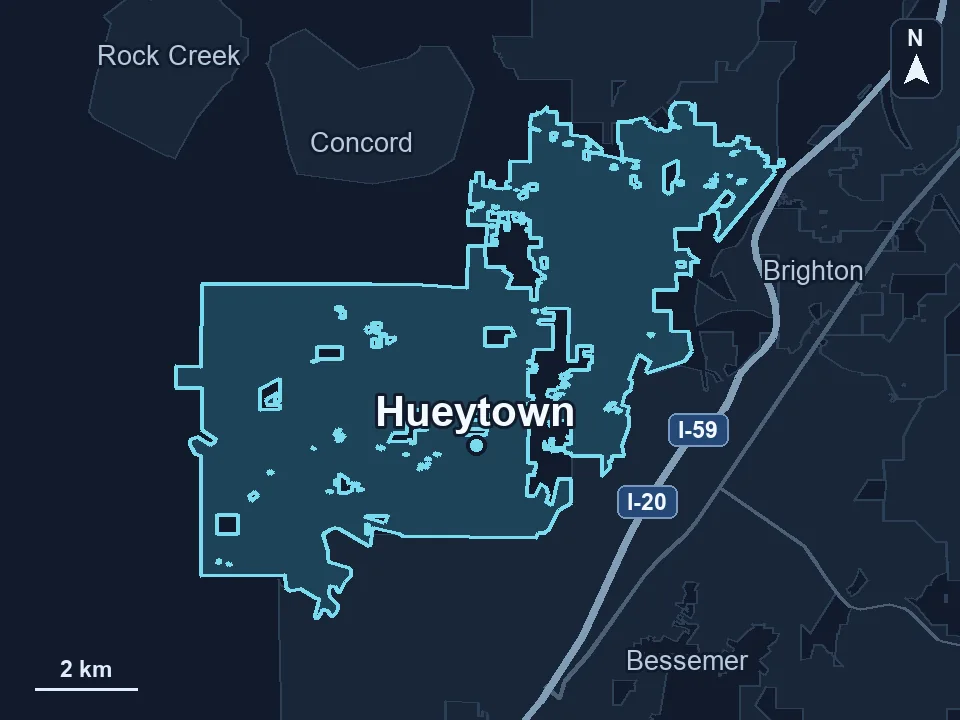
Zenogram serves Hueytown from our Hoover office. See the Hueytown service area and map.
Show us the page customers rely on
Share your website, a saved or outdated link, and what you want customers to see when they open it. Tell us who can confirm the current version before an update.
See website maintenance services